·  Sathyanand S · Tools & Resources · 16 min read
Best YouTube Transcript Generators (2026)
9 YouTube transcript generators ranked for business teams. Rated for competitive research, SEO, content repurposing, and marketing intelligence.
Almost every YouTube transcript tool list is written for creators captioning their own videos or journalists transcribing interviews. The tools are ranked on caption accuracy and subtitle export formats.
That framing misses the business use case entirely.
For B2B marketers, SEO managers, GTM teams, and content operators, a transcript generator serves a different job. You need to convert competitor videos into searchable text, extract keyword patterns from high-performing content, repurpose your own video archive into written assets, and feed transcripts into research or AI workflows. Speed, accuracy, and export quality matter. Whether the tool makes good subtitles does not.
This list ranks 9 YouTube transcript generators for that specific job. SellonTube is listed first because it was built around the business use case.
A YouTube transcript generator is a tool that converts the spoken audio of a YouTube video into readable, usually timestamped, text from a public video URL. For business teams, it turns competitor and owned video content into searchable documents you can mine for keywords, positioning, and repurposing material.
Last updated: June 2026. How we evaluated: hands-on use of each tool plus the most recent third-party ratings we could verify (Capterra, G2, Chrome Web Store). Ratings link to the source listing, and we note where a rating covers a broader product (a video editor or meeting tool) rather than the YouTube-transcript feature itself. We do not invent sample sizes or quote reviews we have not read. All pricing is current as of June 2026; verify at each vendor’s site before buying.
Key Takeaways
- SellonTube is the top free pick for business teams: no signup, AI summary plus full transcript, built for competitive research and content repurposing.
- Sonix wins on accuracy and rich export (TXT, DOCX, SRT, PDF) with speaker labeling, ideal for systematic research at $10 per hour pay-as-you-go or from $25 per month (Core plan, as of June 2026).
- Descript suits deep teardowns by syncing transcript to video; Kapwing fits transcript-to-content repurposing in one platform.
- NoteGPT and Tactiq are the best free zero-friction options for quick, one-off transcript spot checks.
- Tools were evaluated on YouTube URL support, accuracy, export and usability, business features (summaries, search, timestamps), and pricing transparency.
Contents
- Why transcript tools matter for business teams
- How we evaluated these tools
- At a glance
- 1. SellonTube YouTube Transcript Generator
- 2. Sonix
- 3. ElevenLabs YouTube Transcript Generator
- 4. Notta.ai
- 5. Descript
- 6. Kapwing
- 7. Transkriptor
- 8. NoteGPT
- 9. Tactiq
- Bonus: How to get a YouTube transcript directly from YouTube
- How to choose the right tool
- FAQ
Why transcript tools matter for business teams
A clean transcript turns any YouTube video into a working document. For business teams, that means:
- Extracting competitor positioning and messaging from any public video, without re-watching it
- Pulling SEO keyword patterns from your own or competitors’ best-performing content
- Repurposing video content into blog posts, social copy, email sequences, and sales enablement materials
- Building searchable research libraries across dozens of competitor channels over time
- Feeding transcripts into AI tools for pattern analysis, summarisation, gap analysis, and brief generation, as covered in our guide to AI tools for YouTube
The transcript is the raw material. Every workflow above depends on having a clean, accurate version of it. Once you have the transcript data, pair it with a YouTube SEO analysis to check whether your own videos’ metadata matches what buyers actually search for. You can also feed competitor transcripts into AI tools or use them to inform your own video scripts.

How we evaluated these tools
Each tool was assessed on:
- YouTube URL support: can you paste a public YouTube link and get a transcript directly, without downloading the video first?
- Accuracy: how clean is the output on standard English content?
- Export and usability: can you get the text into Sheets, Notion, or an AI tool without friction?
- Business-relevant features: timestamps, summaries, search, speaker labels
- Pricing transparency: clear costs for regular use
At a glance
All pricing is current as of June 2026.
| Tool | Best for | Free plan? | Pricing (as of June 2026) |
|---|---|---|---|
| SellonTube | Business and B2B transcript workflows | Yes | Free |
| Sonix | High-accuracy transcripts with rich export | No free tier | $10/hr pay-as-you-go, or from $25/mo (Core) |
| ElevenLabs (Scribe) | Free transcription via a reputable AI engine | Yes | Free plan $0; Starter $6/mo; Creator $22/mo |
| Notta.ai | YouTube URL transcripts with AI summaries | Yes | Free (120 min/mo); Pro $13.99/mo ($8.17 annual) |
| Descript | Transcript synced to video for deep teardowns | Yes | Free; Hobbyist $24/mo; Creator $35/mo |
| Kapwing | Free transcription with repurposing workflow | Yes | Free; Pro $16/mo annual ($24 monthly) |
| Transkriptor | Simple, fast, no-frills URL-to-text | No | From approx $8.33/mo (Capterra listing) |
| NoteGPT | Best zero-friction free option | Yes | Free (15 quotas/mo); Pro $9/mo |
| Tactiq | Browser extension capture while watching | Yes | Free; Pro $8/user/mo (annual) |
1. SellonTube YouTube Transcript Generator
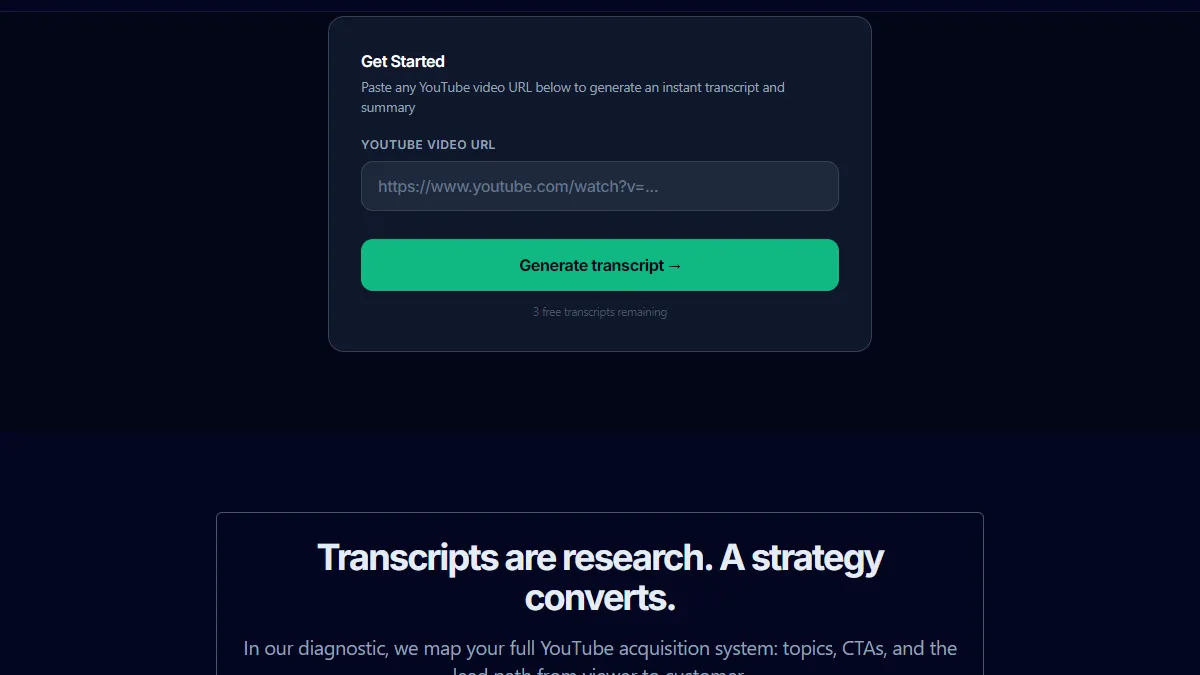
SellonTube pros:
- Built for business use cases: competitor research, SEO, content repurposing, and marketing intelligence
- Returns an AI-powered summary alongside the full transcript, so you get both the raw text and a structured overview in one step
- Free, no signup required, works on any public YouTube URL
SellonTube cons:
- Newer tool with less brand recognition than Sonix or Descript
- Best used for single-video research workflows, not bulk transcription at high volume
SellonTube’s YouTube Transcript Generator was designed specifically for business use cases. Paste any public YouTube URL and it returns a clean, timestamped transcript alongside an AI-generated summary. The summary is calibrated for business readers: it surfaces the key points, the arguments made, and the structure of the video, not just a generic paragraph recap.
The practical applications for business teams span several workflows. For SEO research, paste competitors’ best-ranking videos and scan the transcript for keyword patterns, topic clusters, and phrasing they use that you are not covering. For content repurposing, paste your own videos and get a working document you can turn into a blog post, LinkedIn thread, or email sequence without starting from scratch. For competitive intelligence, build a research file from a competitor’s last 10 videos in under an hour: what positioning they lead with, what objections they address, how they frame their product against the market.
Sales and marketing teams use it differently. Account executives paste a prospect’s company YouTube content before a call to understand how the company presents itself publicly. Demand gen teams scan competitor video libraries for topic gaps they can own. Content operators use it to repurpose a video backlog that would otherwise sit unused.
It is free, requires no account, and works directly in the browser. For teams doing regular YouTube research, this is the tool to start with. Try it at sellontube.com/tools/youtube-transcript-generator.
SellonTube price: Free (as of June 2026). Against a paid subscription tool at $25/month, staying free saves about $300 per year.
Reviews: First-party tool from SellonTube (our tool, disclosed). It runs on the same public-URL transcription approach as the paid tools listed here, with the AI summary and business framing layered on top. No third-party rating listing yet, so judge it on the free trial rather than a star score.
2. Sonix
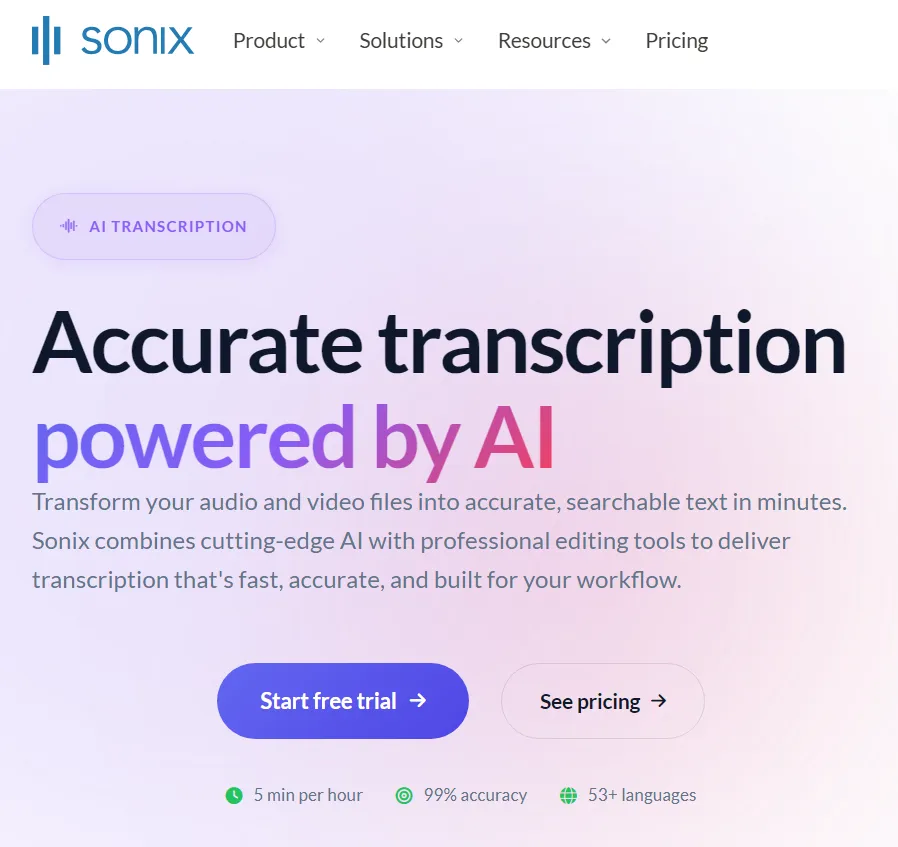
Sonix pros:
- High transcription accuracy with clean timestamps and speaker labeling
- Multiple export formats: TXT, DOCX, SRT, PDF, and more, making it easy to move text into Sheets, Notion, or AI tools
Sonix cons:
- No free tier: pay-as-you-go costs add up at volume
- Better suited for systematic research workflows than quick one-off lookups
Sonix is the strongest choice when accuracy and export quality are the priority. Paste a YouTube URL, receive a timestamped transcript, and export in whichever format your downstream workflow needs. The pay-as-you-go rate is $10 per hour of audio. For teams transcribing regularly, the Core subscription at $25 per month (5 hours included) is the better value, with Advanced at $50 per month and Pro at $80 per month above it.
Speaker labeling is a standout feature for competitive research: if a competitor video features multiple presenters or a panel discussion, Sonix separates each speaker clearly, making it easier to attribute specific claims and arguments. The built-in editor lets you review accuracy against the original before exporting.
Teams looking for a free Sonix alternative with business-specific features can start with SellonTube’s transcript generator at no cost.
Sonix price (as of June 2026): $10/hr pay-as-you-go, or subscriptions Core $25/mo (5 hrs), Advanced $50/mo, Pro $80/mo. The Core plan works out to $300 per year, so a free tool is roughly $300/year cheaper for teams that do not need Sonix’s accuracy and export depth. Verify current pricing at sonix.ai.
Reviews: 4.9/5 on Capterra from 141 reviews. This rating is for the transcription product itself, which is what you would use here.
3. ElevenLabs YouTube Transcript Generator
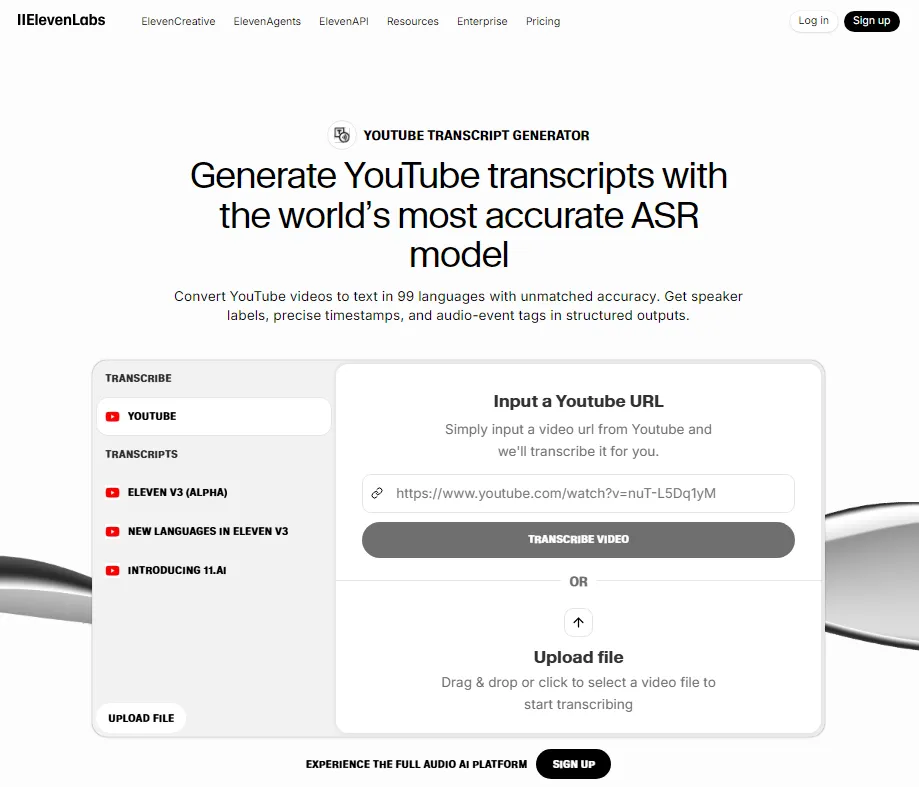
ElevenLabs pros:
- Accurate speech-to-text from Scribe, the company’s transcription engine, backed by a well-known AI brand
- Free plan ($0) covers roughly 10 minutes of transcription per month at no cost
ElevenLabs cons:
- There is no dedicated “YouTube transcript” product. Transcription is the Scribe speech-to-text engine, not a purpose-built URL-to-text tool
- The free plan’s credit allowance (about 10 minutes a month) runs out fast for regular research
To be accurate about what this is: ElevenLabs does not sell a standalone YouTube transcript tool. What you are using is Scribe, its general speech-to-text engine, which can transcribe audio you supply. ElevenLabs is primarily known for voice synthesis, and Scribe carries that same technical track record on transcription accuracy.
For business teams, the honest framing is that you get free transcription via the Free plan’s credit allowance, not a one-click YouTube-URL tool. It is a reasonable option for occasional, short clips. For regular research across many videos, the free credits run out and a dedicated tool is faster.
ElevenLabs price (as of June 2026): Free plan $0 (10,000 credits, roughly 10 minutes of transcription per month); Starter $6/mo; Creator $22/mo. Check elevenlabs.io for current plan details.
Reviews: No reliable transcript-specific third-party rating exists. Broader reviews of ElevenLabs’ voice products are available, but they do not measure the transcription experience, so we do not cite a star score here.
4. Notta.ai
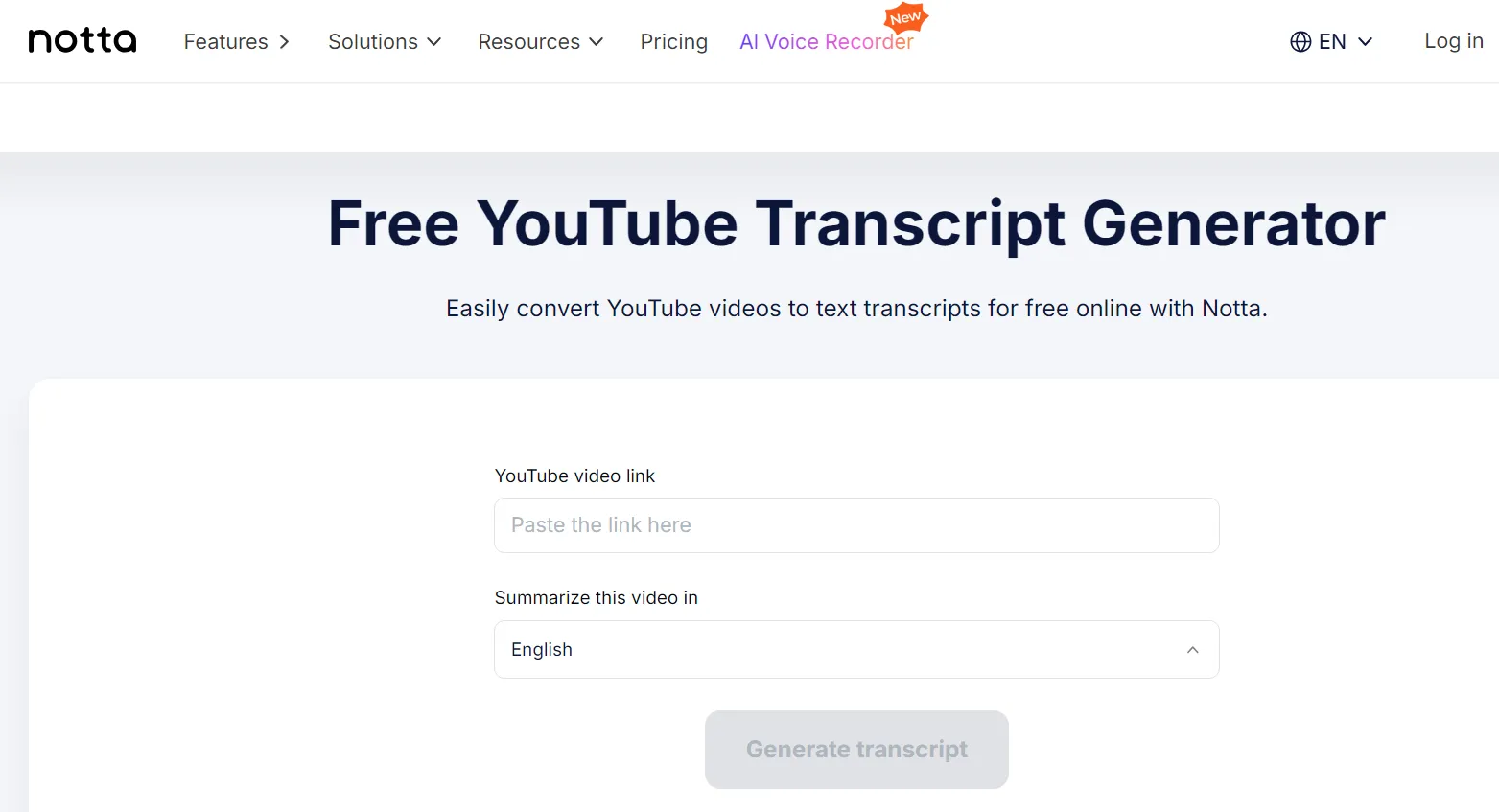
Notta pros:
- Dedicated YouTube URL support with AI-generated summaries built in
- Clean export options and a free tier that covers basic use
Notta cons:
- Free tier has usage limits
- Less established than Sonix for enterprise workflows
Notta’s YouTube transcript tool works by pasting a URL directly. The output includes a timestamped transcript and an AI summary, which is useful for initial triage of competitor content: skim the summary to decide if the full transcript is worth a detailed read. Export formats are clean and straightforward.
For teams that want AI summaries alongside transcripts without paying for a full subscription, Notta’s free tier is a practical starting point.
Notta price (as of June 2026): Free (120 minutes/month); Pro $13.99/month ($8.17/month billed annually); Business $27.99/seat. The free tier covers light research at no cost; the Pro plan runs roughly $98 to $168 per year depending on billing. Verify current pricing at notta.ai.
Reviews: 4.4/5 on G2 from 234 reviews (per G2). We use G2 here because Notta’s Capterra listing has only one review, which is too thin to cite.
5. Descript
Descript pros:
- Transcript is displayed in sync with the video: click any word to jump to that moment
- Text-based editing lets you treat a video like a document, useful for detailed teardowns
Descript cons:
- More than needed if you only want raw text extraction
- Paid plans required for serious use; free tier is limited
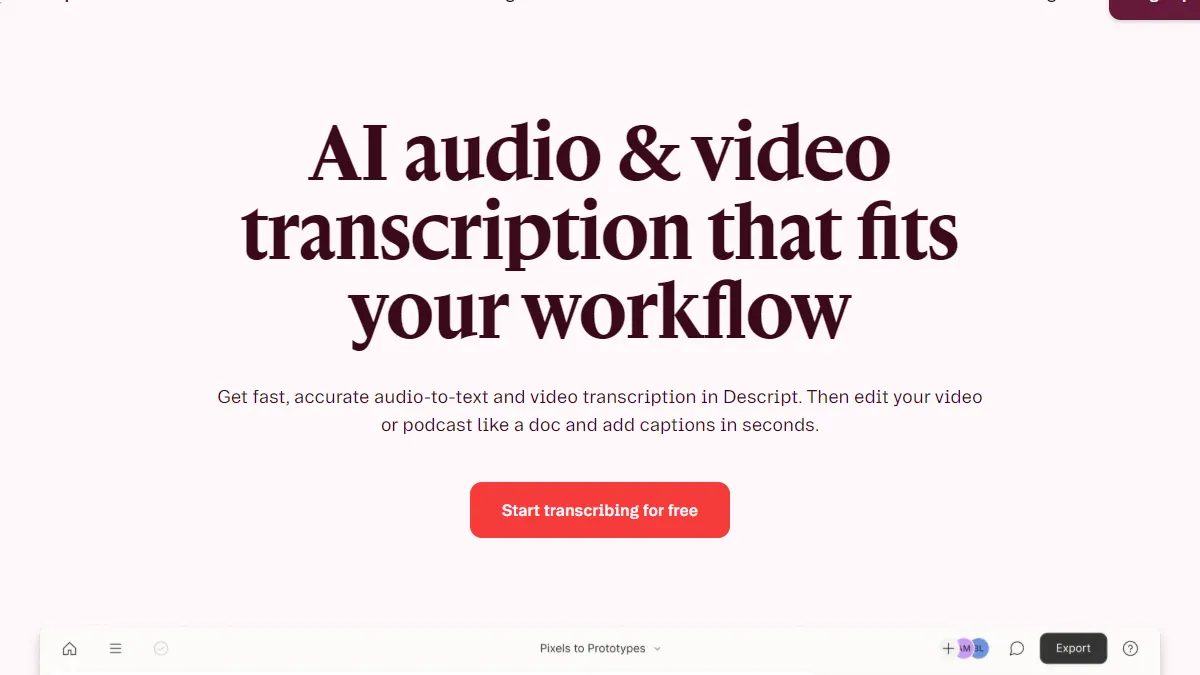
Descript makes sense for deep teardowns of competitor demos or product walkthroughs. The synchronized transcript view means you can read a claim in the text and immediately see the context in the video. For research sessions where you are cross-referencing what was said against what was shown, that connection is valuable.
For teams analyzing how competitors demonstrate their product, structure their demos, or handle objections on camera, Descript provides a research environment that no other tool on this list matches. For simpler transcript extraction, it is more tool than you need.
Descript price (as of June 2026): Free; Hobbyist $24/month ($16/month annual); Creator $35/month ($24/month annual); Business $65/month. If you only need transcript text, the free tier or a $300/year tool covers it for less than Descript’s $192 to $288 per year (Hobbyist, annual to monthly billing). Verify at descript.com.
Reviews: 4.6/5 on G2 from 183 reviews. This covers the full Descript editor, of which the synced transcript is one part.
6. Kapwing
Kapwing pros:
- Free to use for basic transcription
- Transcript can feed directly into Kapwing’s video editing tools: useful for repurposing content in one platform
Kapwing cons:
- Primarily a video editing platform; transcription is one feature
- Export options are lighter than dedicated transcription tools
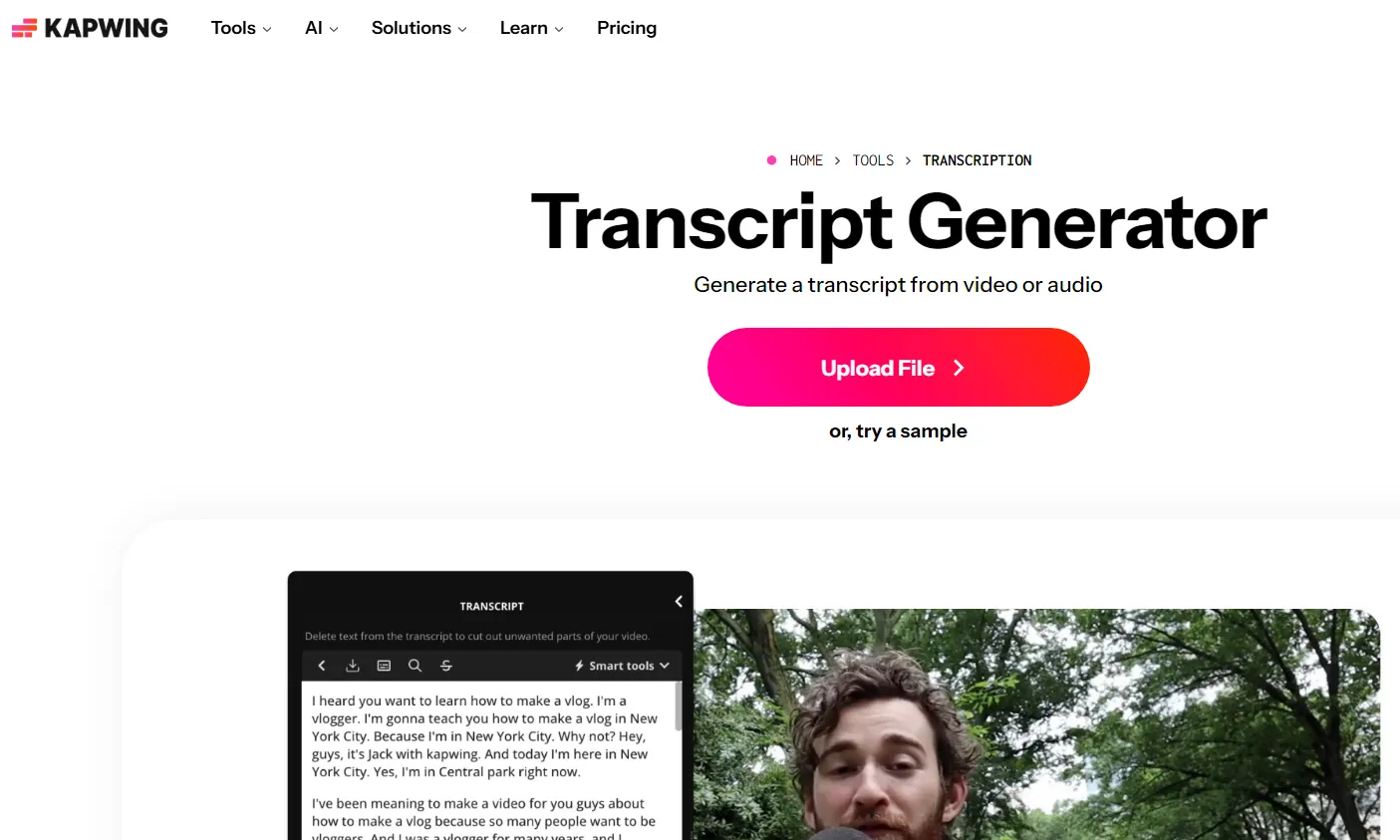
Kapwing is worth considering for teams that want to go from transcript to repurposed content in a single workflow. Extract the transcript from a YouTube video, then use Kapwing’s editing tools to clip highlights, add captions, or create short-form versions. The whole process stays inside one platform.
For pure transcript extraction with no editing needed, other tools are more direct. Kapwing earns its place when repurposing content is the actual goal, not just research.
Kapwing price (as of June 2026): Free; Pro $16/month billed annually ($24/month monthly); Business $50/month. The Pro plan is roughly $192/year annual, so a free transcript tool saves about that much if repurposing is not the goal. Verify current plan pricing at kapwing.com.
Reviews: 4.4/5 on Capterra from 207 reviews. Note this rating is for the whole video editor, not the transcription feature specifically.
7. Transkriptor
Transkriptor pros:
- Fast output with timestamps and 100+ language support
- Straightforward: paste URL, get text, no extras to navigate
Transkriptor cons:
- No summaries, search, or library management features
- Pricing is usage-based, which adds up for regular research
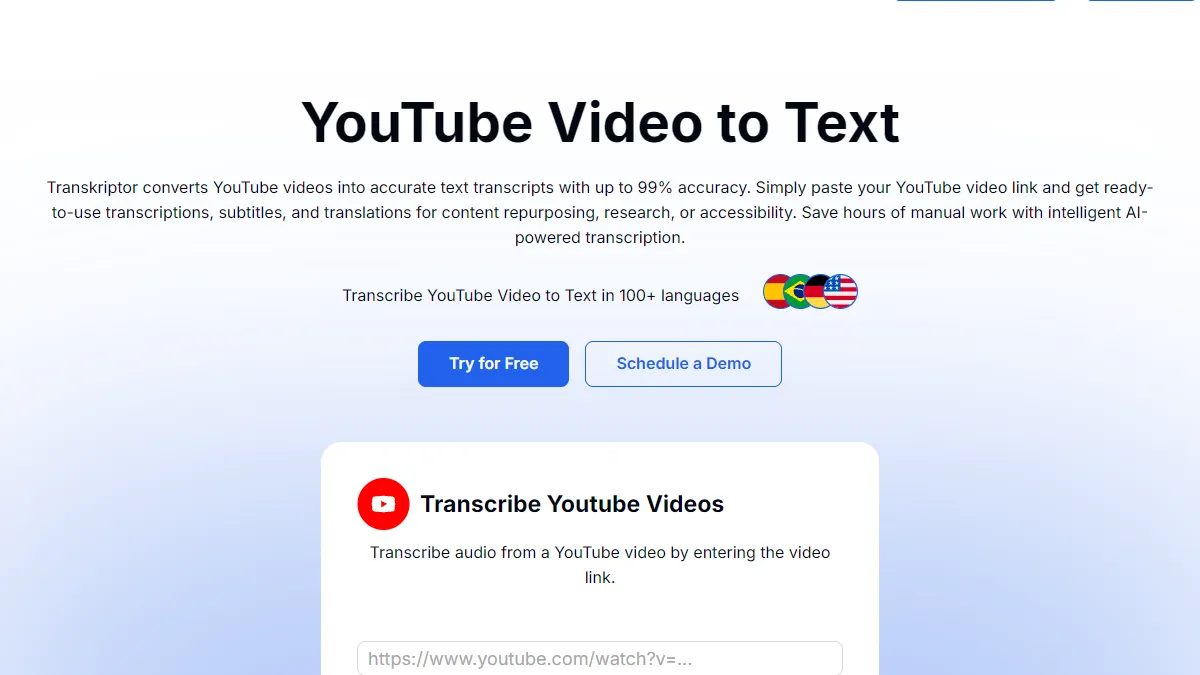
Transkriptor does one thing cleanly: convert a YouTube URL into timestamped text. No summaries, no editing environment, no library. If your workflow takes the transcript out of the tool immediately and into Notion, Sheets, or an AI for analysis, that simplicity is a feature. You are not paying for a platform you will not use.
Transkriptor price (as of June 2026): From approximately $8.33/month (approx, from the Capterra listing). That is roughly $100/year, so a free URL-to-text tool covers the same simple job at no cost. Verify current pricing at transkriptor.com.
Reviews: 4.7/5 on Capterra from 551 reviews. This rates the transcription product directly.
8. NoteGPT
NoteGPT pros:
- Free, no signup, works immediately
- Returns timestamped transcript you can copy directly into Sheets or Docs
NoteGPT cons:
- Accuracy depends on audio quality
- No export formats, summaries, or search: copy-paste only
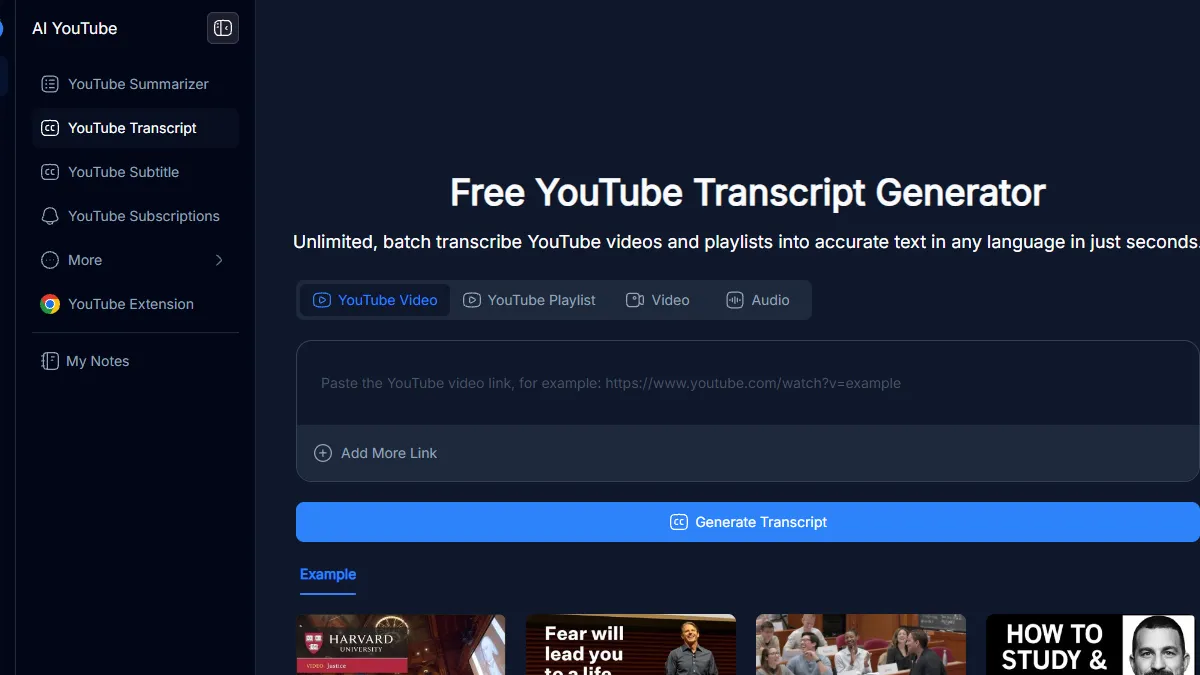
NoteGPT is the right tool for quick spot checks. Paste a YouTube URL, get a timestamped transcript, copy it out. No account needed, no credits to manage. Accuracy varies with audio quality, but for clear English content it is reliable enough for most research purposes.
For occasional use, it is hard to beat free. For systematic research across multiple videos, a tool with proper export and library features saves more time.
NoteGPT price (as of June 2026): Free (15 quotas/month); Pro $9/month. For spot checks the free tier is enough, so most research users never reach the $108/year Pro tier.
Reviews: 4.9/5 on the Chrome Web Store from roughly 7,600 ratings. This rates the NoteGPT browser extension.
9. Tactiq
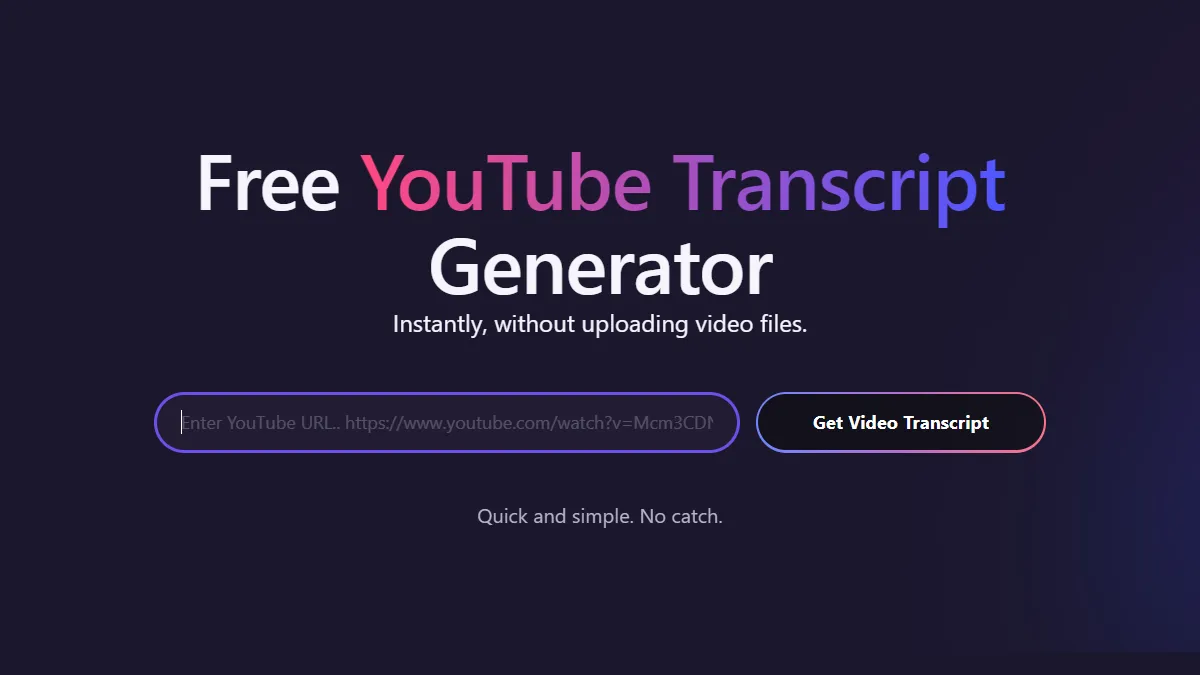
Tactiq pros:
- Captures transcript directly while you watch, no URL pasting or uploading required
- Free tier covers most basic use cases
Tactiq cons:
- One video at a time, in real-time: not suitable for bulk research
- Requires installing a browser extension
Tactiq is the most frictionless option for ad hoc transcript capture. Install the extension, watch a YouTube video, and the transcript appears in the extension panel. No separate tool to open, no URL to paste. For teams that encounter interesting competitor content during normal browsing and want to capture it immediately, Tactiq removes all friction from that workflow.
The real-time, one-video constraint is also the tool’s limitation. For systematic research across a list of URLs, a paste-and-go tool is faster.
Tactiq price (as of June 2026): Free; Pro $8/user/month (billed annually), roughly $96/year per user. The free tier covers most ad hoc capture, so casual users rarely need the paid plan.
Reviews: 4.8/5 on the Chrome Web Store from roughly 3,800 ratings. Note that Tactiq is primarily a meeting note-taker, and this rating is for that extension overall, not a dedicated YouTube-transcript feature.
Bonus: How to get a YouTube transcript directly from YouTube
YouTube has a built-in transcript feature on most public videos. Here is how to access it:
- Open any YouTube video in your browser
- Click the three-dot menu (”…”) below the video, next to the like and share buttons
- Select “Show transcript” from the menu
- A transcript panel opens on the right side of the screen, with timestamped segments
The transcript is auto-generated by YouTube’s speech recognition. For clear English audio it is reasonably accurate. For music, strong accents, technical terminology, or poor audio quality, accuracy drops significantly.
The main limitations for business use: there is no export button, no download, and no formatting. You copy and paste manually, one section at a time. There are no summaries, no search across multiple videos, and no integration with any research workflow. It works for a quick check on a single video. It does not scale.
For accurate transcripts with AI summaries, without the manual copy-paste, SellonTube’s YouTube Transcript Generator handles the same job in seconds and is free to use.
How to choose the right tool
- For free, business-focused transcripts with AI summaries: SellonTube
- For highest accuracy with rich export: Sonix
- For deep video teardowns: Descript
- For repurposing content in one workflow: Kapwing
- For quick free extraction: NoteGPT or Tactiq
- For a simple, no-frills URL-to-text tool: Transkriptor or Notta.ai
FAQ
Picking a tool
What is the best free YouTube transcript generator for business teams?
SellonTube’s YouTube Transcript Generator is free, requires no signup, and returns both a clean transcript and an AI summary calibrated for business use. For teams doing competitive research or content repurposing, it is the most practical free starting point.
What is the best alternative to Sonix for YouTube transcripts?
For free use, SellonTube covers the core transcript and summary workflow at no cost. Sonix is the alternative when high accuracy and rich export options are required. NoteGPT is the simplest free option for occasional use.
Pricing and free options
How much do YouTube transcript tools cost in 2026?
Several are free, including SellonTube, NoteGPT, Tactiq, and YouTube’s own built-in transcript. Paid options as of June 2026: Sonix from $10/hour pay-as-you-go or $25/month (Core), Notta Pro $13.99/month, Descript Hobbyist $24/month, Kapwing Pro $24/month, Transkriptor from approximately $8.33/month, NoteGPT Pro $9/month, and Tactiq Pro $8/user/month. Choosing a free tool over a $25/month subscription saves about $300 per year.
Can these tools transcribe competitor YouTube videos legally?
Yes. These tools work with public YouTube URLs using YouTube’s standard access. Generating a transcript of public content for research, analysis, or internal use is standard practice. Check your jurisdiction’s rules if you plan to publish the transcript verbatim.
Transcripts and SEO strategy
How do transcript generators fit into a YouTube marketing strategy?
Transcripts are one input into a broader YouTube marketing strategy. They help with keyword research, competitive analysis, and content repurposing. For the full framework, start with our strategy guide.
Do transcript tools help with SEO?
Directly, no. A transcript generator produces text. The SEO value comes from what you do with it: extracting keyword patterns from competitor videos, identifying topic gaps, repurposing video content into written assets that can rank. SellonTube’s keyword finder tool is designed to accelerate that research workflow. For a full guide on optimizing your videos for YouTube search, see our YouTube SEO guide for business channels.
Related guides: Once you have transcripts, see the best YouTube SEO tools for business to extract keywords from transcripts, the best YouTube video ideas generators for businesses to turn that research into a content plan, and the best YouTube autocomplete keyword tools for buyer-intent keyword discovery.

Get transcripts from any YouTube video
Paste any YouTube URL and get a clean transcript with an AI summary in seconds. Built for competitive research, SEO, and content repurposing. Free, no signup required.
Could YouTube work for your business?
We build done-for-you YouTube channels that turn search intent into qualified leads. Check if the math works for you.