·  Pradeep Pandey · Tools & Resources · 22 min read
AI Tools for YouTube: What Actually Saves Time (2026)
9 AI tools for YouTube tested on a real business channel. Which ones save time, which ones waste it, and where AI falls short for lead gen.
Every week, a new AI tool promises to “revolutionize your YouTube workflow.” After testing dozens of them on a real business channel, here is what we found: three saved real time, four were marginal, and two actively made things worse.
The problem with AI tool roundups is that they are written for creators chasing views. If you run a business channel, your needs are different. You care about buyer intent, not viral potential. You need scripts that sound like you talked to a client, not scripts that sound like a chatbot summarized a blog post. This guide covers the AI-specific tools; for the wider stack, see our YouTube marketing tools roundup.
This is an honest breakdown. No affiliate links. No “game-changing” tools that turn out to be ChatGPT wrappers with a $50 monthly fee.
Last updated: June 2026. How we evaluated: hands-on use of each tool against business-channel criteria (buyer-intent fit, output quality, time saved, cost). Ratings are pulled from public listings and linked to the source. Pricing is current as of June 2026.
Key Takeaways
- AI saves the most time on first drafts and metadata: script drafting, title testing, and description writing.
- Tools calibrated for creators give bad advice for business channels, pushing views over leads.
- The four SellonTube tools here are free and built for buyer-intent video; the competitors are paid and view-focused.
- Best workflow: AI generates the structure, you add real examples, data, and voice on top.
- AI cannot replace strategic calls on which topics to cover or how to position your offer.
- Generic AI thumbnails underperform; real photos with specific text overlays still win on CTR.

AI tools for YouTube are software products that use machine learning to speed up specific parts of video production: script drafting, metadata and SEO, keyword research, editing, and clipping. For business and acquisition channels, they are most useful for first drafts and checklist work, and least useful for strategy, voice, and proprietary expertise, which still need a human.
Contents
- Where AI actually helps YouTube business channels
- How to evaluate AI tools for a business channel
- 9 AI tools for YouTube tested on a business channel
- Which tool for which job: a cheat sheet
- Where AI falls short for business YouTube
- How to use AI for YouTube without sounding like AI
- FAQ
Where AI Actually Helps YouTube Business Channels
AI is not equally useful across every part of YouTube production. Some tasks benefit enormously. Others get worse with AI involvement.
After testing across 30+ videos, three categories consistently saved time.
Script drafting
Writing a 10-minute video script from scratch takes 2-4 hours. An AI tool that understands buyer intent can produce a workable first draft in 15-20 minutes. You still spend 45-60 minutes editing, but the total time drops from 3 hours to about 75 minutes.
The key distinction: the AI needs to understand that a business video script is not a blog post read aloud. It needs a hook that addresses a specific pain point, a structure that builds toward a clear recommendation, and a close that moves the viewer to a next step. Generic AI writing tools miss all three.
Metadata optimization
Title, description, tags, timestamps. This is checklist work, and AI handles it well. An AI SEO tool can audit your metadata against ranking signals in 30 seconds. Doing this manually takes 20-30 minutes of research and comparison.
Keyword research
AI-powered keyword tools surface search queries you would miss with manual research alone. The value is in speed: what takes an hour of autocomplete browsing and competitor analysis takes 5 minutes with the right tool.
The caveat: AI keyword tools still need a human filter. They surface volume. You decide intent. Try SellonTube’s Video Keyword Finder to see this tradeoff in action.
How to Evaluate AI Tools for a Business Channel
Most AI tool reviews score for creators: views, subscribers, virality. A YouTube acquisition channel needs different tests. Before you adopt any tool, run it through these five criteria.
1. Buyer-intent fit
Does the tool optimize for customer acquisition or for raw views? A title generator that pushes “Top 10” listicles is optimizing for clicks from people who will never buy. The right tool helps you rank a buyer-intent video that a 20-person agency actually searches for. This is the single criterion most creator tools fail.
2. Output quality you can ship with light editing
A first draft you have to rewrite from scratch saved you nothing. Good tools produce output that needs editing, not replacing. The realistic bar: 30 to 50 percent edited, not 100 percent rewritten.
3. Real time saved per video
Measure the before-and-after on one task, not the marketing claim. A script tool that turns a 3-hour draft into a 75-minute draft saves real time. A tool that saves 10 minutes but adds a 15-minute learning curve every use does not.
4. Total cost against the free alternative
Several jobs here have a free option that is good enough for a business channel. Before paying for a tool, ask what the paid tier does that the free one cannot, then price that gap annually. A $29/mo tool is $348/yr. If a free tool covers 80 percent of the job, the paid 20 percent has to be worth $348.
5. Honest fit with your workflow
The best tool you abandon after a week is worse than the adequate tool you use every video. Favor tools that slot into how you already work over tools that demand a new process.
9 AI Tools for YouTube Tested on a Business Channel
We tested each tool on a B2B channel producing 4 videos per month. The “time saved” estimates are per video, averaged across a month of use.
| Tool | Category | Time Saved | Verdict |
|---|---|---|---|
| SellonTube Script Generator | Script writing | 2-3 hours | Best for buyer-intent first drafts |
| SellonTube YouTube SEO Tool | SEO audit | 30 min | Fast metadata checks |
| SellonTube Title Generator | Titles | 15-20 min | Ends the “is this title good?” debate |
| SellonTube Description Generator | Descriptions | 20 min | SEO descriptions with timestamps |
| ChatGPT / Claude | General AI | 30-60 min | Good for brainstorming, bad for final copy |
| Opus Clip | Video clipping | 45 min | Decent for repurposing long-form |
| Descript | Editing | 20-30 min | Transcription is solid, AI editing is mixed |
| TubeBuddy AI | SEO | 10-15 min | Creator-calibrated, not business-calibrated |
| vidIQ AI Coach | Strategy | 5-10 min | Volume-focused, not intent-focused |
For a full breakdown of how these tools compare on buyer-intent scoring, see our best YouTube SEO tools for business guide.
Now, the details.
1. SellonTube Script Generator
The SellonTube Script Generator is our own free tool that drafts a full video script from your topic, target audience, and buyer intent. It is built for B2B YouTube, so the output is a complete script with a pain-point hook, body sections, and a call to action, not a generic outline.
What it does: Generates a full video script based on your topic, target audience, and buyer intent. Not a generic outline. A complete script with hook, body sections, and call to action.
Honest verdict: This is where AI saves the most time for business channels. A buyer-intent script that would take 3 hours to draft from scratch comes out in 15 minutes. You will still spend 45-60 minutes rewriting sections, adding your own client examples, and adjusting the tone. But the structure and flow are there. The total production time per script dropped from about 3 hours to 75 minutes.
Pros
- Structures for buyer intent (hook, body, recommendation, next step), not a blog post read aloud.
- Cuts a 3-hour first draft to about 15 minutes.
- Free, no signup.
Cons
- Output still needs your client examples, data, and voice (plan on rewriting 45-60 minutes).
- It is our tool, so treat the recommendation accordingly.
Pricing: Free. No paid tier, no signup.
Reviews: No third-party listing rating (it is a free SellonTube tool, not a marketplace product). First-party signal: it is the tool we lean on most for our own scripts, for the time-saved reason above.
Best for: A business channel that wants a buyer-intent script draft fast, then edits it in their own voice. (Our tool.)
2. SellonTube YouTube SEO Tool
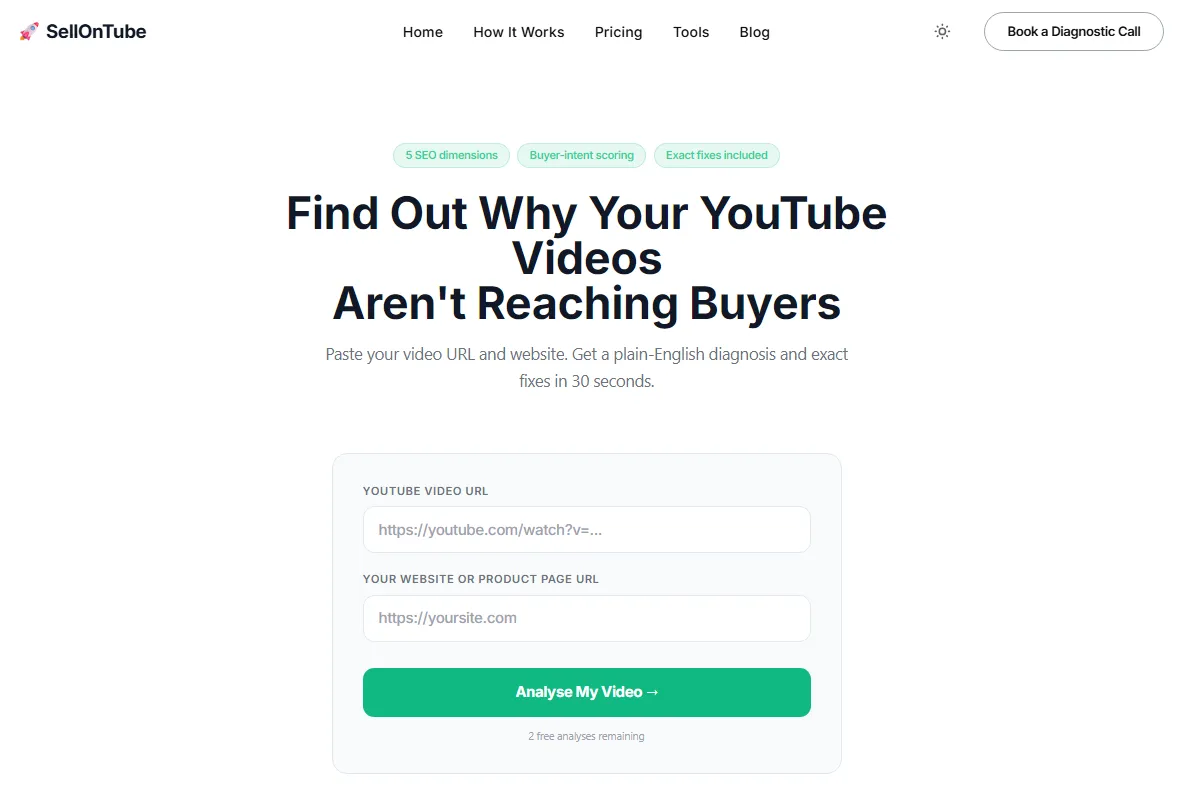
The SellonTube YouTube SEO Tool is our free audit tool. It checks a video’s title, description, and tags against YouTube ranking signals and returns specific fixes, with the business-channel lens that creator tools miss.
What it does: Audits your video title, description, and tags against YouTube ranking signals. Flags missing elements and gives specific recommendations.
Honest verdict: Saves the manual process of checking your metadata against competitors. The audit takes 30 seconds versus 20-30 minutes of manual comparison. It catches things you forget: missing keywords in descriptions, titles that are too long for mobile, tags that do not match your target query.
Pros
- 30-second audit versus 20-30 minutes of manual comparison.
- Flags concrete misses (missing keywords, over-long titles, off-target tags).
- Free, no signup.
Cons
- Audits existing metadata; it does not pick your topic or angle for you.
- Our tool, so weigh the recommendation accordingly.
Pricing: Free. No paid tier, no signup.
Reviews: No third-party listing rating (free SellonTube tool, not a marketplace product). First-party signal: it runs the same ranking-signal checklist we use on client videos.
Best for: Pre-publish metadata QA on a buyer-intent video. (Our tool.)
3. SellonTube Title Generator
The SellonTube Title Generator is our free tool that scores your title options and generates alternatives against your target keyword and audience, so a title decision stops being a guess.
What it does: Scores title options and generates alternatives based on your target keyword and audience.
Honest verdict: The biggest value is not the generated titles. It is ending the internal debate about which title to use. You paste in three options, get scores, and pick the strongest one. Saves 15-20 minutes of second-guessing per video.
Pros
- Scores your own title options instead of only generating new ones.
- Settles the “which title is better” debate with a number.
- Free, no signup.
Cons
- A score is a guide, not a guarantee; you still apply judgment for your audience.
- Our tool, so weigh the recommendation accordingly.
Pricing: Free. No paid tier, no signup.
Reviews: No third-party listing rating (free SellonTube tool). First-party signal: built to score for buyer-intent clarity, not clickbait reach.
Best for: Choosing between two or three candidate titles for a buyer-intent video. (Our tool.)
4. SellonTube Description Generator
The SellonTube Description Generator is our free tool that produces an SEO-structured YouTube description with keyword placement, timestamps, and a call to action.
What it does: Generates SEO-optimized YouTube descriptions with proper keyword placement, timestamps, and calls to action.
Honest verdict: Descriptions are tedious to write well. This tool produces a clean, SEO-structured description in under a minute. You still need to adjust timestamps and add your specific links, but the framework saves about 20 minutes per video.
Pros
- Clean, SEO-structured description in under a minute.
- Handles keyword placement and timestamp scaffolding you tend to skip.
- Free, no signup.
Cons
- You still set the real timestamps and add your own links.
- Our tool, so weigh the recommendation accordingly.
Pricing: Free. No paid tier, no signup.
Reviews: No third-party listing rating (free SellonTube tool). First-party signal: produces the description structure we use on our own uploads.
Best for: Fast first-pass descriptions you finish with your real links and timestamps. (Our tool.)
5. ChatGPT / Claude
ChatGPT (OpenAI) and Claude (Anthropic) are general-purpose AI assistants, not YouTube tools. They brainstorm video ideas, draft outlines, write scripts, and generate metadata when you prompt them well.
What they do: General-purpose AI assistants. Can brainstorm video ideas, draft outlines, write scripts, and generate metadata.
Honest verdict: Excellent for brainstorming angles you had not considered. Useful for outlining a video structure when you are stuck. Bad for final copy without heavy editing. The output reads like a well-organized blog post, not a video script someone would actually say on camera. You need to feed it very specific prompts about your audience, your product, and your tone. Even then, plan on rewriting 40-60% of the output.
Pros
- Best raw brainstorming and outlining of anything here.
- Flexible: ideas, scripts, metadata, repurposing, all in one place.
- Capable free tiers on both.
Cons
- No YouTube-specific optimization (no ranking signals, no buyer-intent filter).
- Output reads like a blog post, not a spoken script; expect a 40-60% rewrite.
Pricing: ChatGPT free tier; ChatGPT Plus $20/mo. Claude free tier; Claude Pro $20/mo (as of June 2026; verify current tiers on each provider’s site).
Reviews: No single comparable third-party tool rating. These are general-purpose AI platforms, not YouTube products, so app-store or G2 numbers for the assistants are not a like-for-like signal against the YouTube tools here. We leave the rating blank rather than publish a misleading one.
Best for: Brainstorming angles and outlining when you are stuck, with heavy human editing after.
If you want AI-generated video ideas with a buyer-intent filter already built in, the Video Ideas Generator does this in a more structured way than a general chatbot.
6. Opus Clip
Opus Clip is an AI video-clipping tool. You upload a long-form video and it identifies segments to cut into YouTube Shorts or social clips, then adds captions and reframes to vertical.
What it does: AI-powered video clipping. Upload a long-form video, and it identifies the best segments for YouTube Shorts or social clips.
Honest verdict: Decent for repurposing. It correctly identifies high-energy segments about 60% of the time. The other 40%, it picks moments that look dramatic but lack context. For business channels, you often need to manually select clips because the AI optimizes for engagement, not for the business message you want to convey. Still saves time versus scrubbing through footage manually.
Pros
- Fast turnaround from one long video to many vertical clips.
- Auto-captions and reframing save manual editing.
- Free tier to test before paying.
Cons
- Picks usable segments about 60% of the time; it optimizes for drama, not your business message.
- You still manually curate clips for a buyer-intent channel.
Pricing: Free $0; Starter $15/mo; Pro $29/mo; Business custom (monthly billing, as of June 2026). opus.pro/pricing
Reviews: 4.5/5 on Product Hunt from 78 reviews. Sentiment is strong on the product itself; note that Trustpilot runs lower (around 4.0/5), driven mostly by billing and cancellation complaints rather than clip quality.
Best for: Repurposing long-form into Shorts at volume, with a human curating which clips actually carry the message.
7. Descript
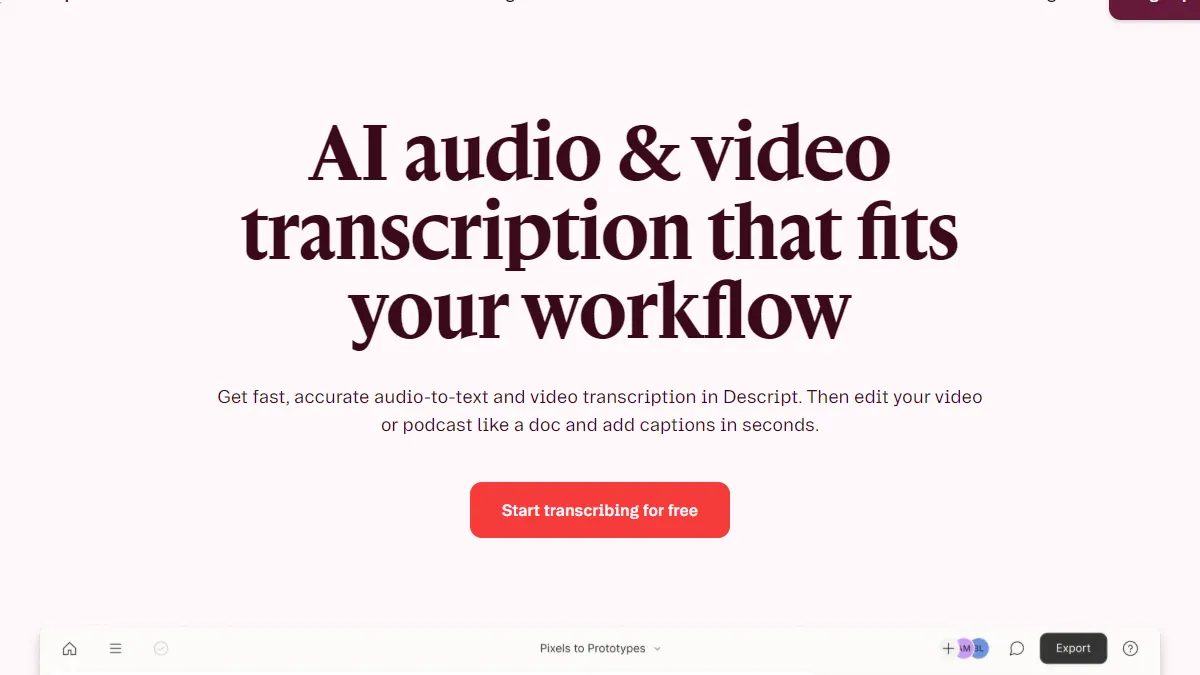
Descript is an AI-powered editor that lets you edit video and audio by editing the transcript. It handles transcription, filler-word removal, and studio sound enhancement in one suite.
What it does: AI transcription, text-based video editing, filler word removal, and studio sound enhancement.
Honest verdict: The transcription is genuinely reliable, around 95% accurate for clear audio. Text-based editing (deleting words from the transcript to cut the video) works well for removing filler. The AI-generated “studio sound” feature is useful for home office recordings. The more advanced AI features, like automatic scene detection and AI-generated summaries, are hit-or-miss and not worth relying on for business content. For a full breakdown of transcript tools, see our guide to the best YouTube transcript generators.
Pros
- Reliable transcription (around 95% on clear audio) and clean text-based editing.
- “Studio sound” rescues home-office recordings.
- Free tier to test the workflow.
Cons
- Advanced AI features (scene detection, AI summaries) are hit-or-miss.
- Full value needs a paid tier; the free tier caps export and transcription.
Pricing: Free $0; Hobbyist $24/mo ($16/mo billed annually); Creator $35/mo ($24/mo annual); Business $65/mo ($50/mo annual); Enterprise custom (as of June 2026). descript.com/pricing
Reviews: 4.6/5 on Capterra from 183 reviews.
Best for: A business channel that wants transcription plus light editing in one tool. If you only need a clean transcript without the editing suite, try our free YouTube transcript generator for instant results with AI summaries.
8. TubeBuddy AI
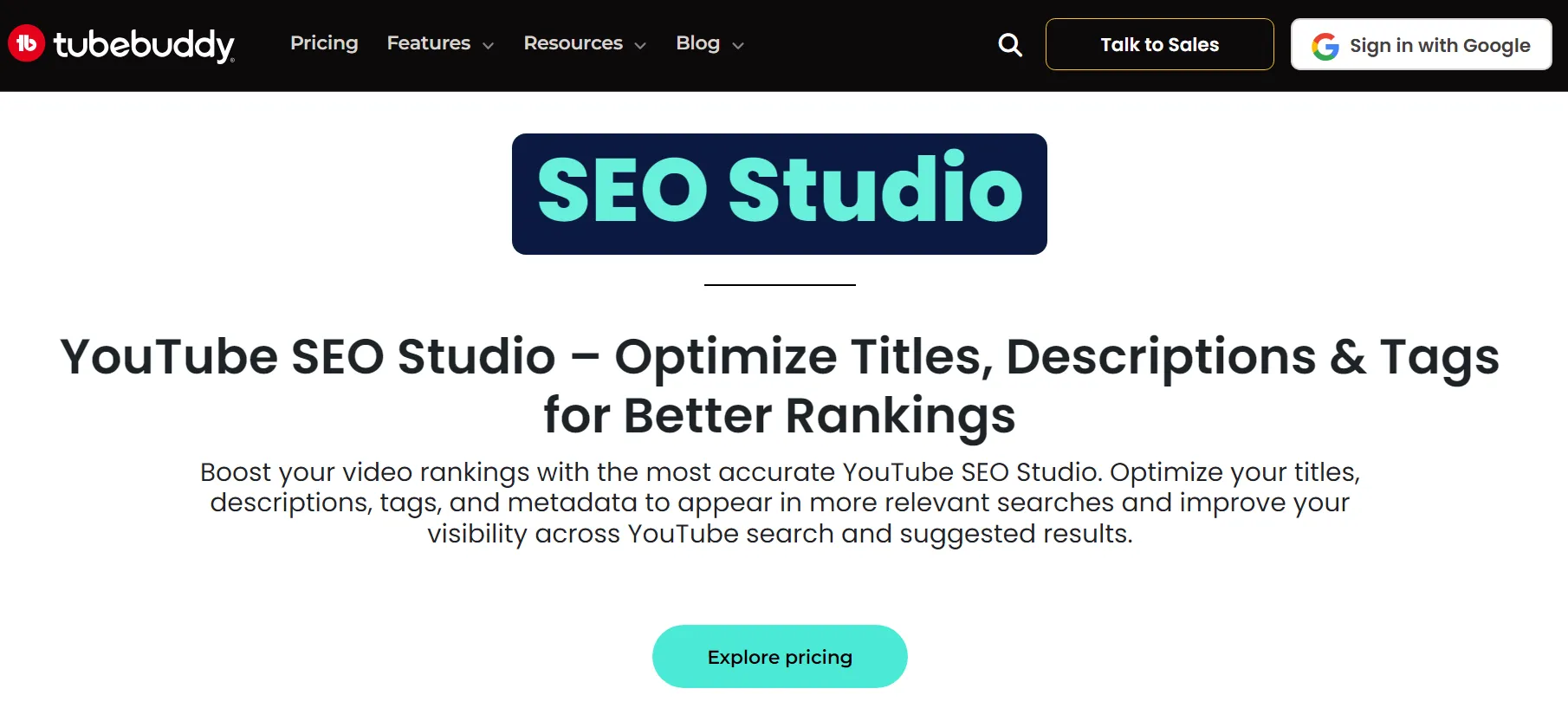
TubeBuddy is a YouTube management browser extension with AI title and tag suggestions, SEO scoring, and A/B title testing. It is built primarily for creators.
What it does: AI-powered title and tag suggestions, SEO scoring, and A/B testing for titles.
Honest verdict: TubeBuddy is built for YouTube creators. Its AI suggestions optimize for click-through rate and views, not buyer intent. When we tested it on B2B topics, it consistently recommended broader, more sensational titles that would attract viewers but not buyers. The A/B title testing feature is useful regardless of channel type, but the AI suggestions need heavy filtering for business use.
Pros
- A/B title testing is genuinely useful for any channel type.
- Mature, well-reviewed extension with solid keyword data.
- Free tier to test.
Cons
- AI suggestions optimize for views, not customer acquisition; heavy filtering needed for B2B.
- Creator-calibrated throughout, so much of the coaching does not fit a business channel.
Pricing: Free tier; paid tiers approx Pro around $4.99/mo, Star around $19.99/mo, Legend around $49/mo (approx, as of June 2026; official pricing page was not directly verifiable). Confirm current tiers on TubeBuddy’s site.
Reviews: 4.5/5 on the Chrome Web Store from roughly 8,500 ratings, and 4.6/5 on Capterra from 113 reviews.
Best for: Creators who want A/B title testing and keyword data; less so a buyer-intent business channel.
9. vidIQ AI Coach
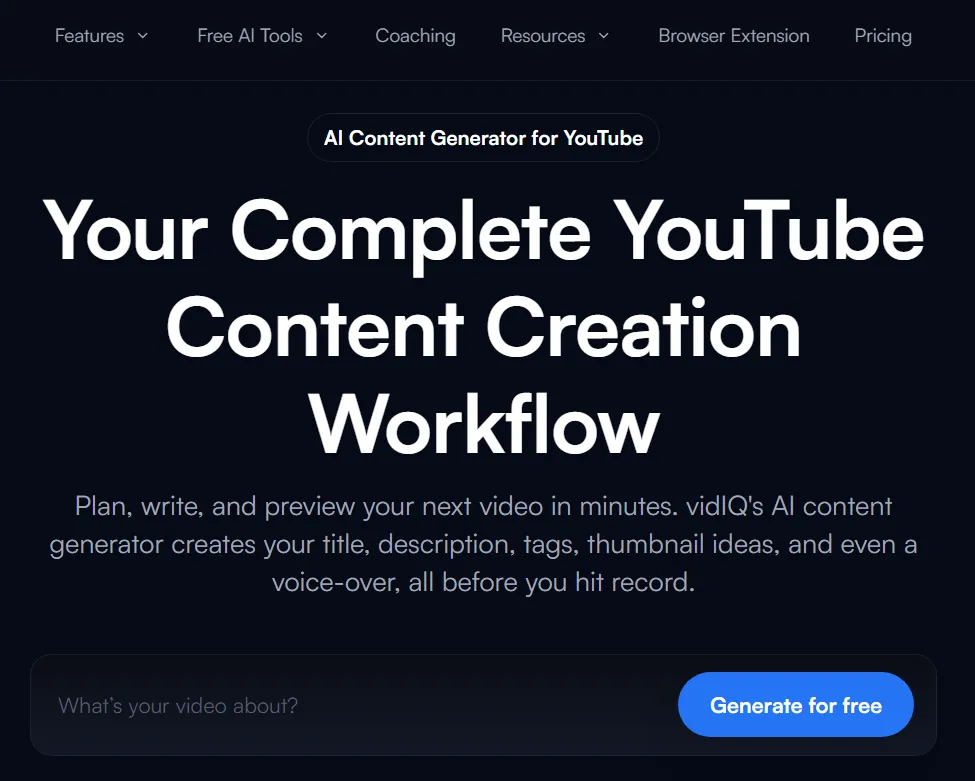
vidIQ is a YouTube analytics and growth extension. Its AI Coach offers content suggestions, daily video ideas, and competitive analysis, aimed squarely at growing creators.
What it does: AI-powered content suggestions, daily video ideas, and competitive analysis.
Honest verdict: The daily video ideas feature generates topics based on trending searches and competitor gaps. For creator channels, this is valuable. For business channels, the suggestions are almost always volume-focused: “Top 10 marketing tools” instead of “How to pick a marketing tool for a 20-person agency.” You end up ignoring 90% of the suggestions. The competitive analysis data is useful, but the AI coaching layer adds little for B2B.
Pros
- Strong competitive analysis and keyword data.
- Daily idea feed is useful for creators chasing trends.
- Free tier to test.
Cons
- AI Coach is volume-focused; you ignore around 90% of suggestions on a B2B channel.
- The coaching layer adds little over the raw data for customer acquisition.
Pricing: Free tier; paid tiers (Pro / Boost / Max) per vidIQ’s site (approx, as of June 2026; paid pricing was not directly verifiable and varies by source). Confirm current tiers on vidIQ’s site.
Reviews: 4.5/5 on the Chrome Web Store from roughly 10,900 ratings, and 4.3/5 on Capterra from 61 reviews.
Best for: Growing creators who want trend-driven ideas and competitor data; a weak fit for buyer-intent B2B YouTube. For the full breakdown, see is vidIQ worth it for business.
Which Tool for Which Job: a Cheat Sheet
Most channels do not need all nine tools. Match the tool to the job in front of you.
| If your job is… | Reach for | Why |
|---|---|---|
| Drafting a buyer-intent script fast | SellonTube Script Generator (free) | Built for B2B structure, not a blog post read aloud |
| Checking metadata before you publish | SellonTube YouTube SEO Tool (free) | 30-second audit against ranking signals |
| Choosing between two or three titles | SellonTube Title Generator (free) | Scores your options, ends the debate |
| Writing the description and timestamps | SellonTube Description Generator (free) | SEO-structured draft in under a minute |
| Brainstorming angles when you are stuck | ChatGPT / Claude (free tier or $20/mo) | Best raw ideation, no YouTube optimization |
| Getting structured video ideas with intent | Video Ideas Generator (free) | Buyer-intent filter already built in |
| Turning one long video into Shorts | Opus Clip ($15-29/mo) | Fast clipping, but curate the output |
| Transcribing and lightly editing footage | Descript ($24-65/mo) | Reliable transcription, text-based cuts |
| Getting a clean transcript only | SellonTube Transcript Generator (free) | Instant transcript plus AI summary, no editing suite |
| A/B testing titles on a creator channel | TubeBuddy (free tier; paid from approx $4.99/mo) | A/B testing is the standout feature |
| Pulling competitor and keyword data | vidIQ (free tier; paid tiers) | Strong data, ignore the volume-led coaching |
The free-vs-paid math
The four scripting and metadata jobs (script, SEO audit, title, description) cost $0 with the SellonTube tools. The nearest paid alternatives run real money: Opus Clip is $180 to $348 per year, Descript is $192 to $780 per year, and the paid creator tools add $60 to $600 per year each. For a business channel, the jobs worth paying for are editing or transcription (Descript) and Shorts repurposing at volume (Opus Clip). The rest of the core workflow has a free option that is good enough.
Decision Guide
If you want to spend $0 and cover the core workflow → stack the four free SellonTube tools (script, SEO audit, title, description) plus ChatGPT or Claude’s free tier for ideation.
If your main bottleneck is editing and transcription → Descript ($24-65/mo) is the one paid tool worth it for a business channel.
If you publish Shorts from long-form regularly → add Opus Clip ($15-29/mo), but curate every clip it picks.
If you are a creator chasing views, not leads → TubeBuddy or vidIQ fit better than anything else here. For B2B, filter their suggestions hard.
Where AI Falls Short for Business YouTube
AI is not a shortcut for everything. Four areas consistently required human work, no matter which tools we tested.
Proprietary expertise cannot be generated. If your best-performing videos feature client case studies, project walkthroughs, or industry-specific insights, AI has no access to that material. It can structure a case study template, but the substance has to come from you.
Voice and personality require manual editing. Every AI tool produces text that sounds competent but generic. For business channels, your specific voice is what builds trust with potential clients. Plan on rewriting 30-50% of any AI-generated script to sound like you.
Thumbnails still need a human eye. AI-generated thumbnails look professional but generic. The thumbnails that perform best on business channels use real photos, specific numbers, and visual contrast that communicates the video’s value proposition in under 2 seconds. AI generates “clean.” You need “compelling.”
Strategic decisions are still yours. Which topics align with your sales pipeline? Which buyer objections need addressing this quarter? What angle differentiates you from competitors covering the same topic? No AI tool can answer these questions because they require knowledge of your business that does not exist in training data.
How to Use AI for YouTube Without Sounding Like AI
The risk with AI tools is not that they produce bad content. The risk is that they produce content that sounds like everyone else’s content. Here are four rules that keep AI-assisted videos sounding human.
Use AI for first drafts, not final drafts. The first draft is the hardest part. Let AI handle it. Then rewrite with your voice, your examples, and your opinions. The final version should sound like you wrote it in one sitting, even though AI did the heavy lifting on structure.
Add at least one real example per section. AI writes in generalities. “Many businesses find that…” is AI-speak. “When we worked with a SaaS company doing $2M ARR, their YouTube channel generated 47 leads in 90 days” is specific. Replace every AI generality with something from your actual experience.
Read your script aloud before filming. If a sentence feels awkward to say out loud, rewrite it. AI writes for reading. Videos require writing for speaking. These are different skills, and AI consistently fails at the second one.
Edit for conversational tone. Remove formal transitions (“In conclusion,” “As we have established”). Add the verbal tics that make speech sound natural: “Here is the thing,” “Look,” “So what does this actually mean?” Your viewers are listening, not reading.
FAQ
Getting started with AI for YouTube
Can AI write YouTube scripts for business channels?
AI can produce a solid first draft in 15-20 minutes that would normally take 2-3 hours to write from scratch. The catch: you still need to add your own examples, client stories, and voice. An AI-drafted script without editing sounds generic and loses the credibility that makes business content convert. Use AI for structure and speed. Add your expertise on top.
How do I use AI for YouTube SEO?
Start with AI-powered keyword research to find buyer-intent search queries. Use an AI SEO tool to audit your title, description, and tags against ranking signals. Generate optimized descriptions with proper timestamps and keyword placement. The key rule: AI handles the checklist work (metadata, formatting, keyword density). You handle the strategic decisions (which topics to cover, what angle to take).
Should I use AI for YouTube thumbnails?
AI thumbnail generators produce clean images, but they struggle with the specificity that makes thumbnails click-worthy. A generic AI thumbnail of a person at a laptop looks like every other business video. The best-performing thumbnails use real photos, specific text overlays, and visual contrast. Use AI for quick mockups or background removal, not final designs.
Pricing and free options
Are the SellonTube tools really free?
Yes. The Script Generator, YouTube SEO Tool, Title Generator, and Description Generator are free, with no signup required. They are our own tools, so we are not a neutral third party. We built them around buyer-intent for B2B YouTube rather than view-chasing, which is the gap most creator-calibrated tools leave open.
What is the best free AI tool for YouTube?
For business channels, SellonTube’s free tools cover the most ground: script generation, title scoring, SEO audits, and description writing. ChatGPT’s free tier is useful for brainstorming outlines and angles, but it lacks YouTube-specific optimization. TubeBuddy’s free plan offers basic keyword data but is calibrated for creators, not business channels.
Comparing the paid tools
Is Opus Clip or Descript better for repurposing business videos?
They solve different jobs. Opus Clip turns a long-form video into short vertical clips and starts at $15/mo. Descript is a full text-based editor with reliable transcription and filler-word removal, starting at $24/mo. For a business channel that mostly needs clean cuts and captions, Descript covers more ground. For pure Shorts repurposing at volume, Opus Clip is faster.
Should I pay for TubeBuddy or vidIQ for a business channel?
Both are calibrated for creators chasing views, so their AI suggestions lean toward broad, high-volume topics rather than buyer-intent. Their browser extensions are well-rated (both 4.5/5 on the Chrome Web Store), and the keyword and A/B-testing data has value. But you will filter most of the AI coaching for B2B use. Try the free tiers before paying.
Performance and rankings
Will AI-generated YouTube content rank?
YouTube does not penalize AI-assisted content. What matters is whether the video answers the searcher’s question and keeps them watching. AI-generated scripts that are filmed without editing tend to sound flat and earn low watch time, which hurts rankings. AI-assisted scripts that are rewritten with real examples and personality perform the same as fully human-written ones.
Ready to save 2-3 hours on your next video? Start with the YouTube Script Generator. It is free, built for business channels, and produces buyer-intent scripts in under a minute.
If you want a full audit of your YouTube strategy, not just your scripts, book a free 30-minute call. We will review your channel and show you exactly where AI can (and cannot) help.

Could YouTube work for your business?
We build done-for-you YouTube channels that turn search intent into qualified leads. Check if the math works for you.