· Updated ·  Sathyanand S · Tools & Resources · 36 min read
10 Best YouTube Rank Checker Tools for Business Channels (2026)
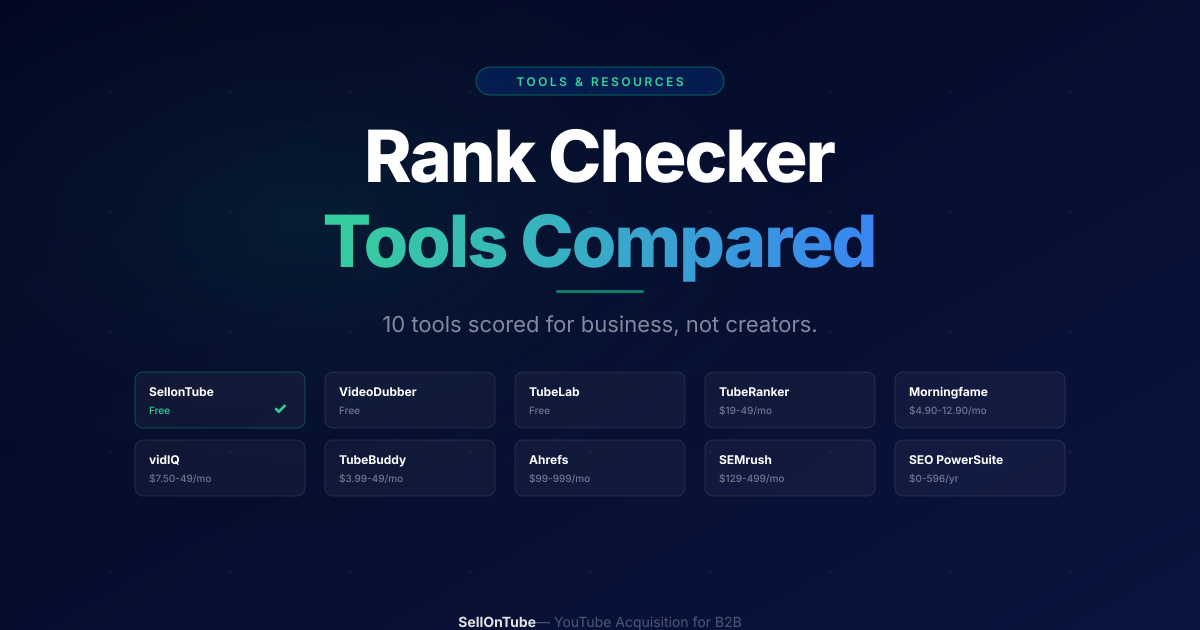
10 YouTube rank checker tools tested on real business channels. Scored on buyer-intent alignment, speed, competitive context, and cost. Not a creator buying guide.
Every “best YouTube rank checker” article ranks tools by features built for creators. Subscriber tracking. View forecasting. Engagement scores. If you run a business channel, those metrics do not answer the question that matters: are my videos showing up when buyers search for what I sell?
A rank checker for business needs to answer something different. Not “how many keywords do I rank for?” but “do I rank for the 5 keywords that drive qualified leads?” Not “is my channel growing?” but “is the video targeting my most profitable keyword still holding position 3?” Finding those keywords in the first place is a separate step, covered in our roundup of the autocomplete keyword tools we recommend.
We tested ten YouTube rank checker tools against business-owner criteria. Some are free. Some cost $100+/month. Here is what actually works, and what you are paying for when you upgrade.
Last updated: June 2026. Methodology: each tool was evaluated hands-on against the four business criteria below (time-to-insight, single-video vs channel-wide, competitive context, and cost relative to channel size). Ratings shown are real third-party ratings with the platform and source linked; where a tool has no meaningful third-party rating, we say so rather than invent one.
Key Takeaways
- No YouTube rank checker currently flags buyer-intent keywords vs vanity keywords. Every tool shows position data. None interpret it for business outcomes.
- For business channels with under 50 videos, a free single-keyword rank checker is enough. You do not need paid channel-wide tracking until content volume justifies it.
- Three free tools (SellonTube, VideoDubber, TubeLab) handle on-demand rank checking. SellonTube is the only one showing competitive context (view counts, video age).
- Ahrefs and SEMrush track YouTube rankings, but the plans most teams use start at $129-139/month, so they only make sense if you already use them for web SEO.
- The tool you pick matters less than what you do with the data. A free rank check followed by a metadata rewrite beats a $49/month dashboard nobody acts on.
Contents
- Why Business Channels Need Different Ranking Criteria
- Four Criteria That Actually Matter for Business
- Quick Comparison: All 10 Tools
- 10 YouTube Rank Checker Tools Compared
- How to Choose the Right Tool for Your Business
- Which Rank Checker for Your Situation: A Cheat Sheet
- What the Free Tools Save You vs the Paid Ones
- Common Mistakes Business Owners Make With Rank Checkers
- Common Questions
Why Business Channels Need Different Ranking Criteria
The typical rank checker comparison scores tools on feature count. More keywords tracked. More historical data. More integrations. More is better.
For a business channel, more data creates more noise. A SaaS founder with 15 YouTube videos does not need to track 500 keywords. They need to track 5 keywords extremely well, which is exactly what our YouTube keyword research process is built to identify. The right tool for this founder looks nothing like the right tool for a full-time creator managing 1,000 videos across multiple topics.
Here is the thing: the rank checker market is built for that creator. Every major tool assumes you want more data, more dashboards, more keyword suggestions.
If you want less data and better decisions, you need to evaluate tools differently. The payoff for getting this right is real: six B2B companies have documented winning customers from small, well-ranked channels, with revenue figures sourced from the founders themselves.
The business-owner filter
Before evaluating any rank checker, ask: "Does this tool help me find out if buyers can find my videos?" If the answer is "not directly," the tool is built for creators. It might still work for you, but you will be paying for features you do not need.
Four Criteria That Actually Matter for Business
1. Time-to-Insight
How fast does this tool answer “where do I rank for [keyword]?”
Some tools require account setup, channel connection via OAuth, and a keyword list before showing a single result. Others let you paste a keyword and get an answer in 15 seconds.
For a business owner who checks rankings weekly, a 15-second answer beats a dashboard that takes 10 minutes to configure. Speed kills friction. Friction kills consistency. And consistency is the only thing that turns rank checking into a growth habit.
2. Single-Video vs Channel-Wide
Do you need to check specific keywords for specific videos? Or do you need a dashboard that monitors your entire channel automatically?
If you have 10-30 videos and 5-10 target keywords, single-video checking is faster and cheaper. If you have 100+ videos and want to discover keywords you rank for that you did not know about, channel-wide tracking earns its subscription cost.
The mistake most business owners make: paying for channel-wide tracking when they only need to check 5 keywords per week. Start with single-keyword checking. Upgrade when your content volume demands it.
3. Competitive Context
Does the tool show just your position, or does it show what you are competing against?
A ranking of #5 means very different things depending on who holds positions 1-4. If the top results have millions of views and are from channels with 500K subscribers, position #5 is an achievement. If the top results have 2,000 views and are 3 years old, position #5 means you should be aiming for #1.
The best rank checkers for business show you the full competitive picture, not just a number.
4. Cost Relative to Channel Size
A $49/month tool is a reasonable expense for a channel publishing 4 videos per week. It is a poor investment for a channel publishing 2 videos per month.
Match the tool cost to your publishing velocity. If you publish fewer than 4 videos per month, a free rank checker covers your needs. Save the budget for content production.
Quick decision rule
Under 50 videos? Use a free single-keyword checker. 50-200 videos? Consider a YouTube-specific paid tool ($19-49/mo). 200+ videos or already paying for Ahrefs/SEMrush? Use their built-in YouTube tracking.
Quick Comparison: All 10 Tools
| # | Tool | Type | Price | Best For | Competitive Context |
|---|---|---|---|---|---|
| 1 | SellonTube | Single-keyword | Free | Business channels, quick checks | Yes |
| 2 | VideoDubber | Single-keyword | Free | Location-specific checks | No |
| 3 | TubeLab | Single-keyword | Free | Competitor tracking over time | Partial |
| 4 | TubeRanker | Channel-wide | ~$9.90-19.90/mo | Keyword tracking at scale | No |
| 5 | Morningfame | Channel analytics | $4.90-12.90/mo | Simple growth tracking | No |
| 6 | vidIQ | Full suite | $7.50-49/mo | Creator workflow + light tracking | No |
| 7 | TubeBuddy | Full suite | $3.99-49/mo | A/B testing + channel management | No |
| 8 | Ahrefs | Cross-platform SEO | $29-1,499/mo | Already using Ahrefs for web SEO | No |
| 9 | SEMrush | Cross-platform SEO | $139-499/mo | Already using SEMrush for web SEO | No |
| 10 | SEO PowerSuite | Desktop app | Free-$419/yr | Desktop-based, cross-platform tracking | No |
10 YouTube Rank Checker Tools Compared
1. SellonTube YouTube Ranking Checker
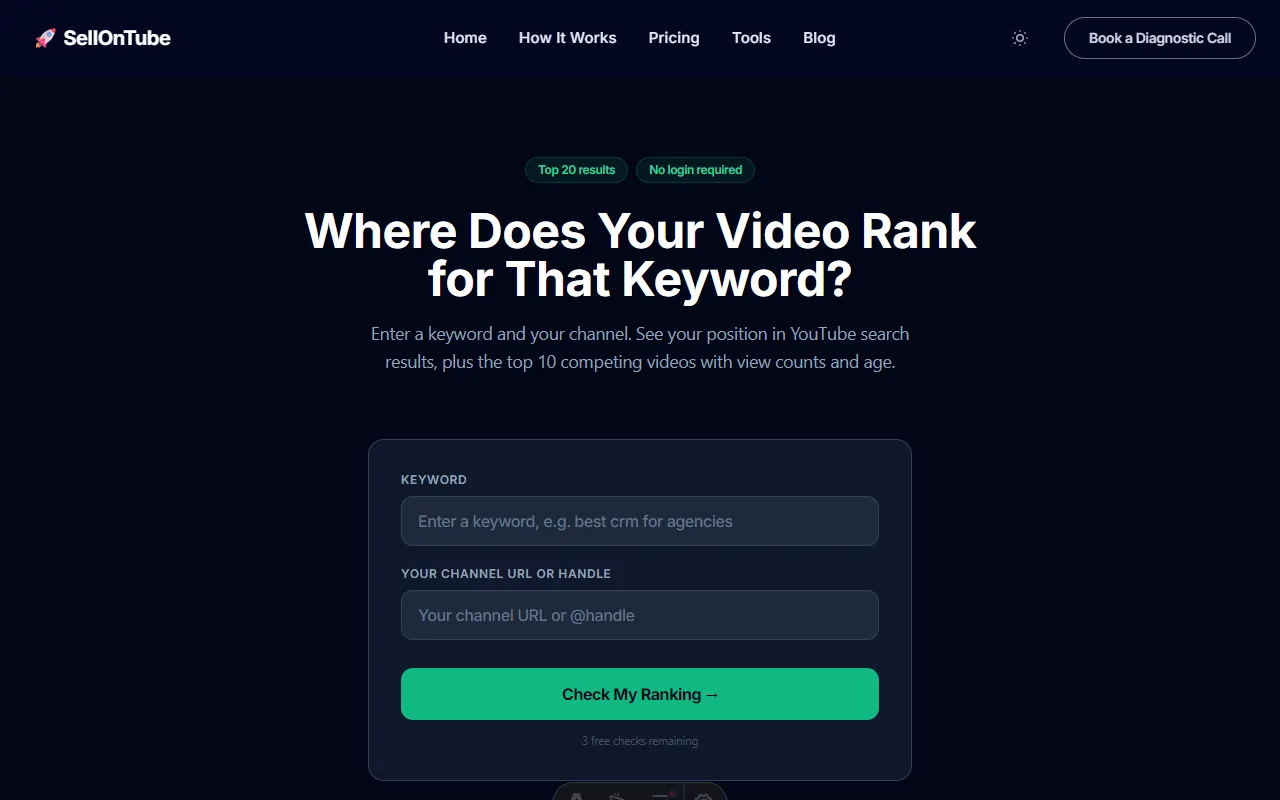
Link: sellontube.com/tools/youtube-ranking-checker (free, 1 check with no login)
Type: Free single-keyword rank checker built for business channels
How it works: Paste any YouTube video URL, type a keyword, and hit check. In about 10 seconds, the tool scans YouTube search results and shows you exactly where your video appears in the top 20. No account needed for the first check. No OAuth connection. No setup at all.
But here is what makes it different from every other free rank checker: it shows you the full competitive picture alongside your position. For each keyword, you see your rank plus the competing videos that outrank you, including their view counts and upload dates. That context is what turns a rank number into an actual business decision.
When to use it:
- Weekly keyword audits. Pick your 5 buyer-intent keywords every Monday. Check each one. Takes under 2 minutes total.
- After metadata changes. Updated a title or description? Check the keyword 48 hours later to see if your position moved.
- Competitor research. Paste a competitor’s video URL instead of yours. See where their content ranks for keywords you care about.
- Pre-production planning. Before recording a new video, check who currently holds the top positions for your target keyword. Decide if you can realistically compete.
Key advantages:
- Shows the top 20 results with view counts and video age, so you can evaluate competition strength at a glance
- No signup wall. The first check is instant. Business email unlocks unlimited checks.
- Built for business owners, not creators. No subscriber analytics or engagement scores cluttering the results.
- Only tool on this list that shows competitive context for free
Key limitation: Single-video, single-keyword checks only. No historical tracking, automated alerts, or scheduled monitoring. You check manually each time.
Pricing: Free. The first check is instant with no login; a business email unlocks unlimited checks. No paid tier.
Reviews: No third-party rating (this is our own tool, disclosed). First-party proof instead: the checker shows the live top 20 results with view counts and upload dates on every check, which you can verify against YouTube search yourself in seconds.
Best for: B2B and business channels that want a fast, free keyword position check with the competing videos shown alongside.
Verdict: The best starting point for any business channel. If you only use one tool from this list, make it this one. Check your 5 buyer-intent keywords weekly. If you find yourself needing automated tracking for 50+ keywords, upgrade to a paid tool. But start here.
Try it now: Check where your videos rank for free. Takes 10 seconds.
2. VideoDubber Rank Checker
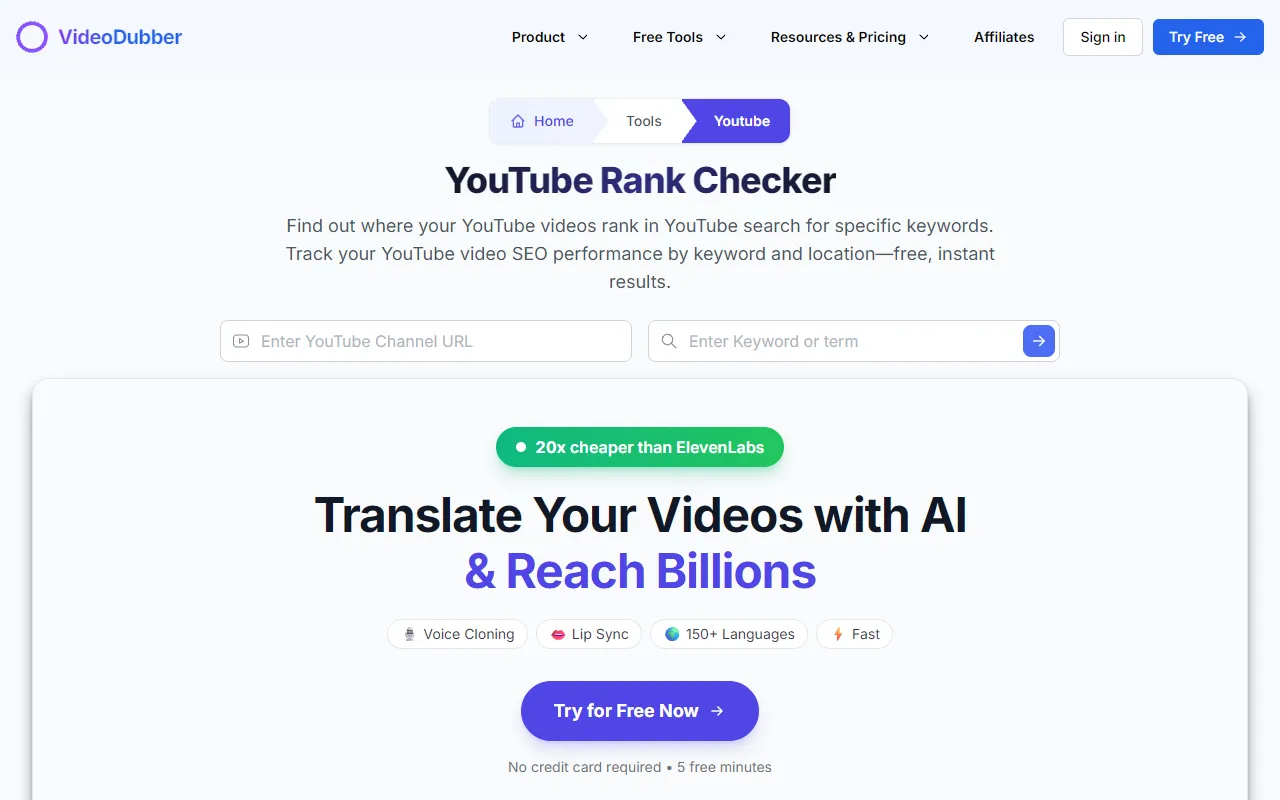
Link: videodubber.ai/tools/youtube/rank-checker (free, no login)
Type: Free single-keyword rank checker with location filtering
How it works: Enter a video URL and keyword, select a country, and get your position. The interface is minimal and fast.
Key advantage: Location filtering. If your business targets a specific country or region, you can check how your video ranks from that location. This matters for local service businesses or companies targeting non-US markets.
Key limitation: Shows your position number and not much else. No competitive context (view counts, video age of results above you). No way to save checks or track changes over time.
Pricing: Free. The rank checker is 100% free with no signup and no paid tier, which is its whole selling point.
Reviews: No third-party rating exists for this rank-checker tool specifically. (The “VideoDubber” listings on review sites are for the company’s dubbing product, not this micro-tool, so we do not attribute them here.)
Best for: Quick location-specific rank checks when you need to confirm a position from a particular country.
Verdict: A clean, functional tool for one specific need: location-filtered rank checks. Use it when you need to confirm your ranking in a specific country. For day-to-day business use, SellonTube gives you more to act on per check because it shows what you are competing against.
3. TubeLab Rank Checker
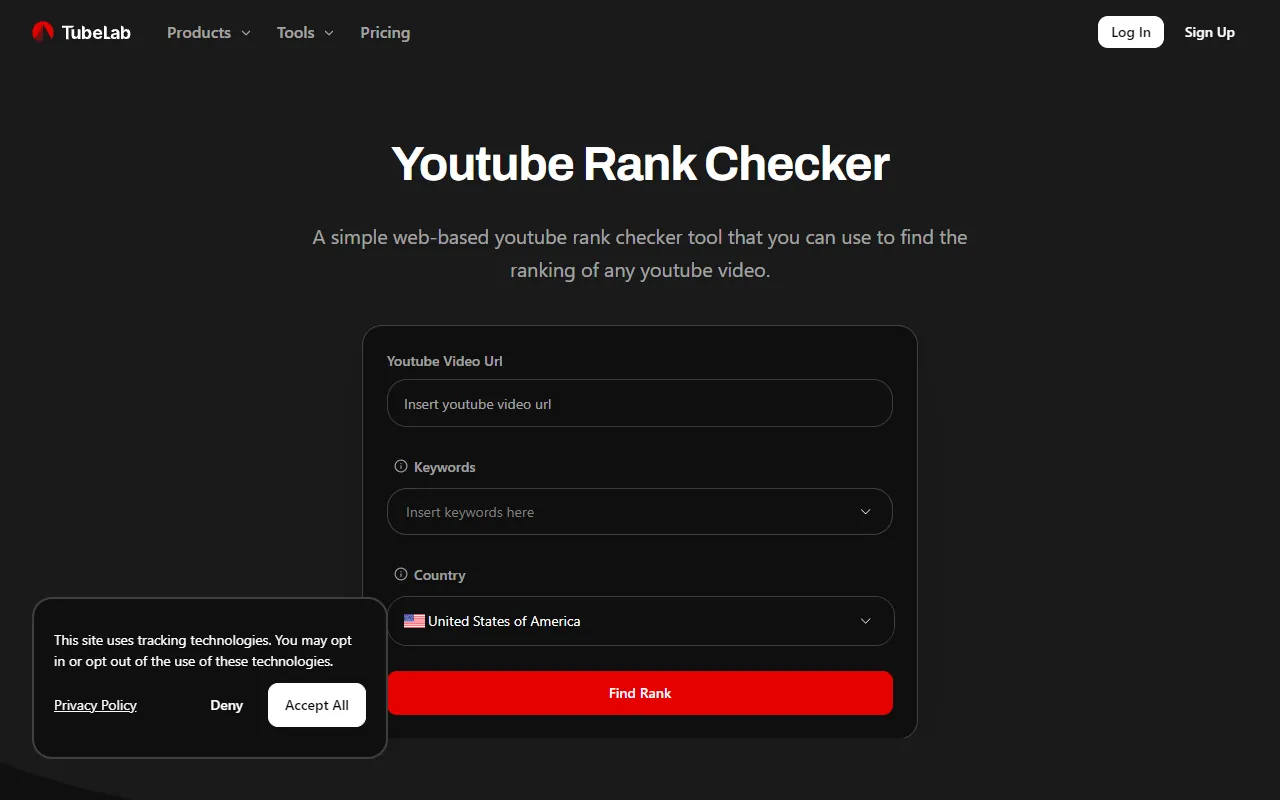
Link: tubelab.net/checker (free, account optional)
Type: Free single-keyword checker with basic tracking over time
How it works: Enter your keyword and video URL. TubeLab checks your current position and can track changes over time if you create a free account. The interface is straightforward and purpose-built for rank checking.
Key advantage: Free historical tracking. Unlike SellonTube and VideoDubber that show a single point-in-time check, TubeLab lets you see how your position has changed. This is useful for measuring whether your metadata edits actually moved the needle.
Key limitation: Competitor analysis is limited. You get your position and change direction, but not the depth of competitive context (view counts, ages) that SellonTube provides. The tool is less established, so reliability and uptime may vary.
Pricing: The rank checker is free, with a free account unlocking historical tracking.
Reviews: No third-party rating exists for the rank-checker web tool. (TubeLab’s Chrome Web Store rating is for a separate monetization/RPM extension, a different product, so it does not apply to this rank checker.)
Best for: Founders who want basic free “did my rank move up or down?” tracking without paying for a dedicated tracker.
Verdict: A solid middle ground between free single-check tools and paid trackers. If you want basic “did my rank go up or down?” tracking without paying for TubeRanker, TubeLab fills that gap. Use it alongside SellonTube for a free stack that covers both competitive context and change tracking.
4. TubeRanker
Link: tuberanker.com/youtube-rank-tracker ($19-49/mo)
Type: Channel-wide keyword tracking with YouTube SEO toolkit
How it works: Connect your YouTube channel, set up the keywords you want to track, and TubeRanker monitors your positions automatically. The dashboard shows historical rank changes, estimated search volume, and position trends. Also includes keyword research, tag generation, and channel audit tools.
Key advantage: The most complete YouTube-specific rank tracking tool. Tracks up to 100 keywords on the Advanced plan with historical data. Unlike vidIQ or TubeBuddy, rank tracking is TubeRanker’s core product, not a side feature. The keyword search volume data helps you prioritize which rankings to improve.
Key limitation: The higher tier unlocks the full rank-tracking depth; the entry plan leans toward keyword research and audits over deep position monitoring. Also designed for creators, so the data framing is views-and-subscribers oriented, not buyer-intent oriented.
Pricing: Basic about $9.90/mo, Pro about $19.90/mo (approx, as of June 2026), plus a limited free tier and a 14-day trial. The official pricing page blocks automated checks, so treat these tiers as approximate.
Reviews: Too few third-party reviews to be meaningful. The only listings we found were a single 2.0/5 Capterra review and three G2 reviews, which is not a statistically useful sample, so we do not feature a star rating here.
Best for: Channels with 50+ videos that actively optimize metadata and want YouTube-specific automated keyword tracking as the core product.
Verdict: The strongest YouTube-specific paid option for keyword tracking. Worth the Pro tier if you have 50+ videos and actively optimize metadata. Overkill for channels with fewer than 20 videos. If you only need rank checking (not tracking), start with a free tool.
Related: 7 Best YouTube SEO Tools for Business Channels · How to check your YouTube rankings · Find the keywords your videos already rank for
5. Morningfame
Link: morningfa.me ($4.90-12.90/mo)
Type: Channel analytics with keyword scoring and optimization guidance
How it works: Connect your channel and Morningfame analyzes each video’s keyword performance. After every upload, it sends an email showing which tags your video ranks for. The keyword research tool uses a letter-grade scoring system (A through F) to show how likely your video is to rank for a given term.
Key advantage: Simplicity. Where TubeRanker gives you raw data to interpret yourself, Morningfame tells you whether a keyword is worth targeting with a simple grade. The 72-hour velocity tracking (views and likes in the first 3 days) helps you spot which uploads gain traction quickly.
Key limitation: The ranking data is indirect. Morningfame tells you which tags rank and gives optimization suggestions, but it is not a dedicated position tracker. You will not get “you rank #4 for keyword X.” For precise position data, you still need a rank checker alongside Morningfame.
Pricing: Basic about $4.90/mo, Plus about $12.90/mo (approx, as of June 2026), invite-only with a one-month trial.
Reviews: No major third-party rating. We could not find a verifiable rating on the usual review platforms (its Product Hunt listing has zero reviews), so we report the absence rather than invent a number.
Best for: Creators and operators who want simple letter-grade keyword guidance to decide what to target next, used alongside a separate rank checker.
Verdict: A good companion tool if you want optimization guidance alongside your rank data. The letter-grade keyword scoring is genuinely useful for deciding what to target next. But it does not replace a rank checker. Use Morningfame for strategy and a free rank checker for position data.
6. vidIQ
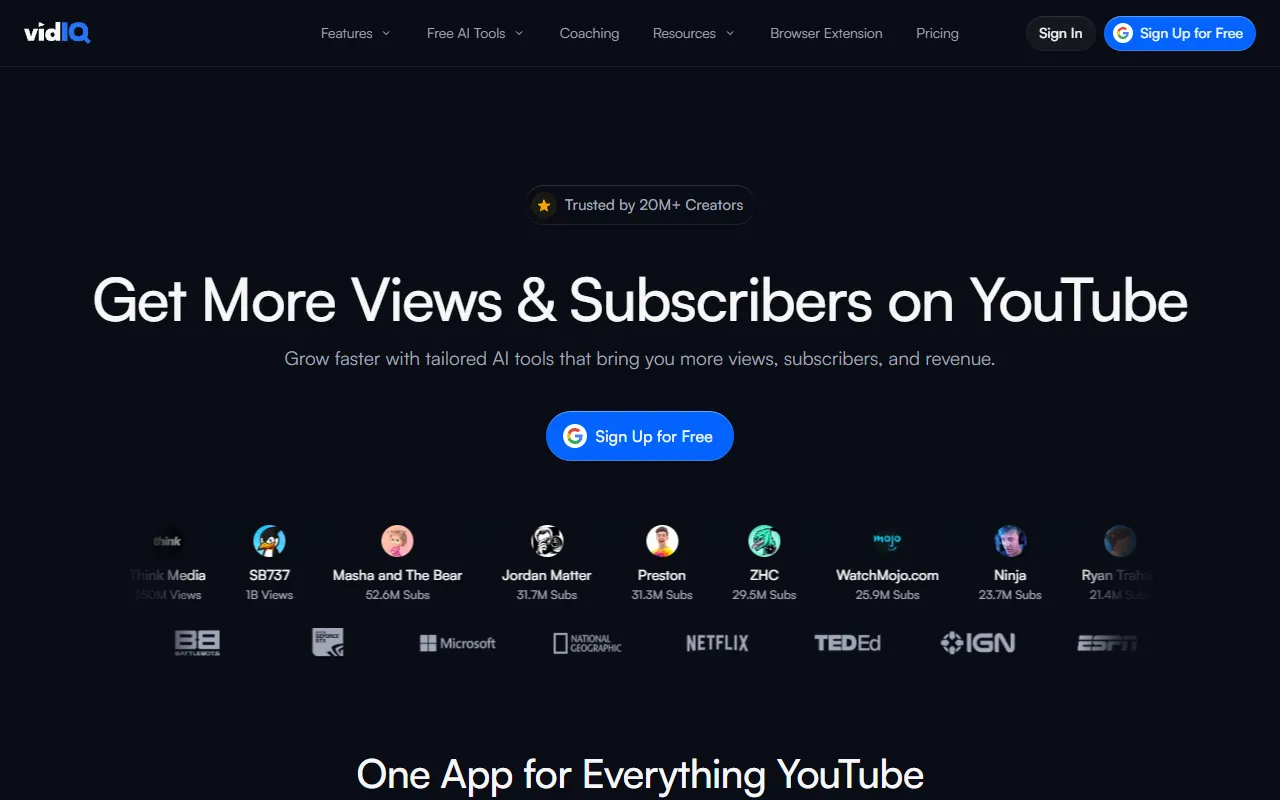
Link: vidiq.com (free tier available, $7.50-49/mo paid)
Type: Full YouTube analytics suite with Chrome extension
How it works: Install the Chrome extension and vidIQ overlays analytics data directly into YouTube Studio. Keyword research, competitor analysis, SEO scores, and trend tracking all appear alongside your normal YouTube workflow. Rank tracking exists but is part of the broader analytics package.
Key advantage: The free tier is surprisingly capable. Keyword research, competitor analysis, and basic performance tracking at no cost. Because it integrates into YouTube Studio via the Chrome extension, you do not need to switch to a separate dashboard. The SEO score on each video gives you a quick sense of optimization quality.
Key limitation: Rank tracking is not vidIQ’s primary function. The keyword data is designed for content ideation, not position monitoring. You can see some ranking data, but it is buried inside a broader analytics dashboard. The “check my 5 keywords weekly” workflow does not map cleanly to vidIQ’s interface.
Pricing: Free tier available; paid plans roughly $7.50 to $49/mo (approx, as of June 2026).
Reviews: 4.5/5 on the Chrome Web Store from about 10,900 ratings, and 4.3/5 on Capterra from 61 reviews.
Best for: Channels that want all-round YouTube SEO and keyword research inside YouTube Studio, with rank data as a bonus rather than the main job.
Verdict: An excellent general YouTube SEO companion. If you already use vidIQ for keyword research or competitor analysis, the ranking data is a bonus. If rank checking is your primary need, a dedicated tool like SellonTube or TubeRanker will serve you better.
7. TubeBuddy
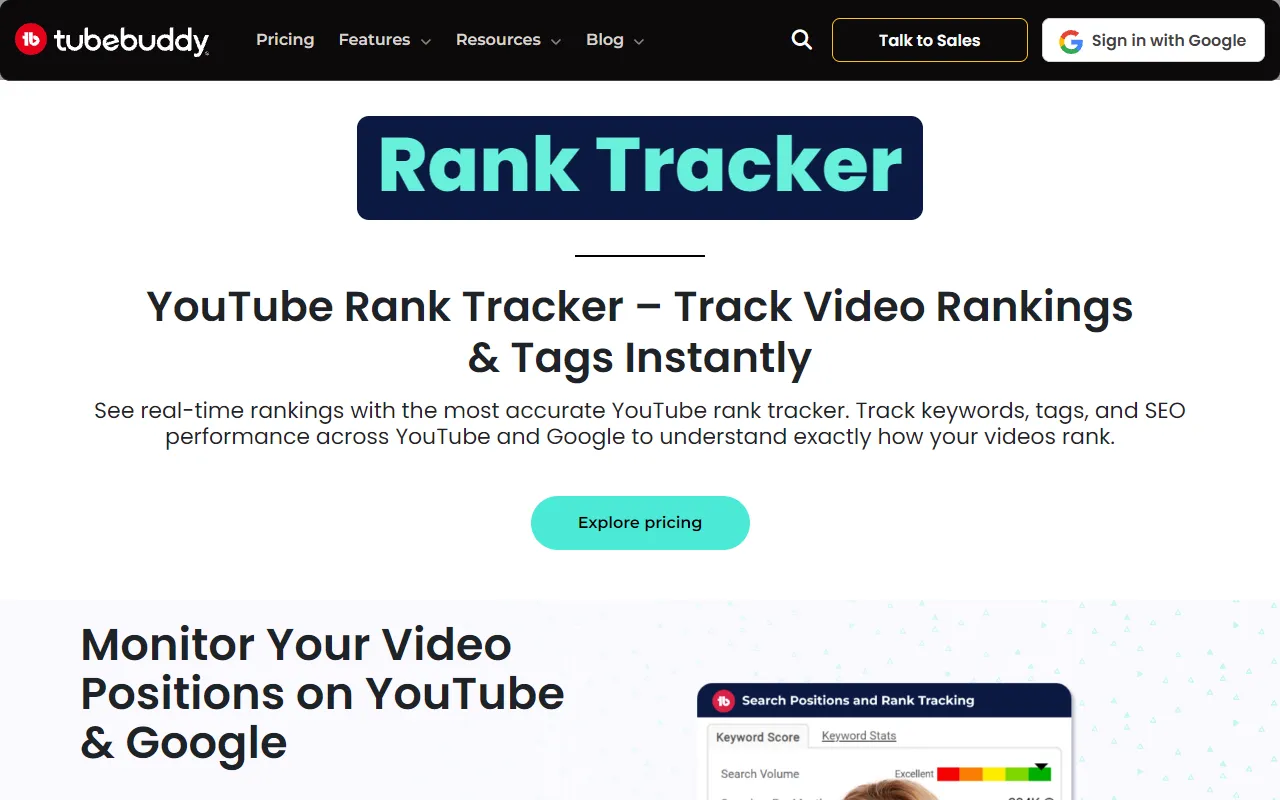
Link: tubebuddy.com/tools/rank-tracker-youtube ($3.99-49/mo)
Type: Channel management suite with A/B testing and workflow tools
How it works: Like vidIQ, TubeBuddy is a Chrome extension that adds features to YouTube Studio. Its standout feature is A/B testing for titles and thumbnails. The rank tracker monitors keyword positions, but it is one feature among many (bulk editing, card templates, scheduling, SEO suggestions).
Key advantage: The A/B testing feature is unique and genuinely useful for business channels. You can test whether a buyer-intent title (“Best CRM for Agencies 2026”) outperforms a curiosity title (“How to Choose a CRM”) with real click-through data. No other tool on this list offers this.
Key limitation: Rank tracking is limited and not TubeBuddy’s strength. The free tier has minimal tracking capability. You need a paid plan to access meaningful SEO data. The rank tracker itself is basic compared to TubeRanker.
Pricing: Free tier available; paid plans roughly $3.99 to $49/mo (approx, as of June 2026).
Reviews: 4.5/5 on the Chrome Web Store from about 8,500 ratings, and 4.6/5 on Capterra from 113 reviews.
Best for: Channels that want title and thumbnail A/B testing plus bulk channel management, with rank tracking as a secondary feature.
Verdict: TubeBuddy is a channel management tool that happens to include rank data. If you need A/B testing and bulk editing, it is worth the subscription. If you need a dedicated rank checker, use a different tool and add TubeBuddy later for its unique features.
8. Ahrefs Rank Tracker
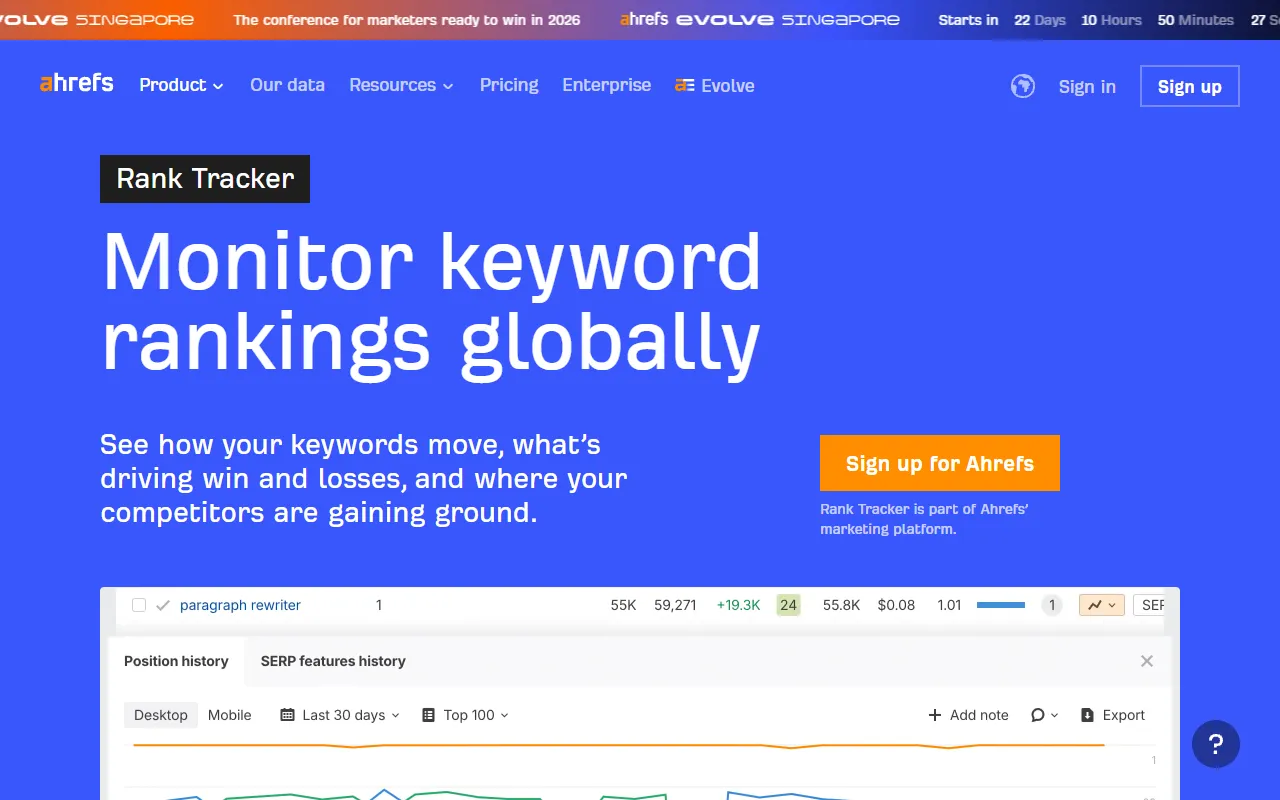
Link: ahrefs.com/rank-tracker (from $29/mo, see Pricing)
Type: Cross-platform SEO suite with YouTube rank tracking
How it works: Ahrefs Rank Tracker lets you add YouTube as a search engine alongside Google, Bing, and Amazon. Set up your keywords, and Ahrefs monitors positions across all platforms in one dashboard. The YouTube tracking uses the same interface as Google tracking, so if you already use Ahrefs for web SEO, there is zero learning curve.
Key advantage: Unified tracking. If you already pay for Ahrefs for your website SEO, adding YouTube keywords costs nothing extra. You see your Google rankings and YouTube rankings in the same view. The historical data and reporting are enterprise-grade.
Key limitation: Ahrefs is not a YouTube rank checker. It is an SEO platform that happens to support YouTube. The entry Starter plan is light on rank-tracking allowance, and the plan most teams use for serious tracking is $129/mo or higher. If you do not already use Ahrefs for web SEO, subscribing just for YouTube rank tracking is wildly overpriced. The YouTube-specific features are basic compared to dedicated tools like TubeRanker.
Pricing: Starter $29/mo, Lite $129/mo, Standard $249/mo, Advanced $449/mo, Enterprise $1,499/mo (as of June 2026; annual billing saves about 17%, ahrefs.com/pricing).
Reviews: 4.7/5 on Capterra from 584 reviews.
Best for: Businesses already paying for Ahrefs for web SEO who want YouTube rankings in the same dashboard at no extra cost.
Verdict: Only makes sense if you already have an Ahrefs subscription. In that case, adding YouTube tracking is a no-brainer. If you are not already an Ahrefs customer, skip it entirely for YouTube rank checking.
9. SEMrush YouTube Rank Tracker
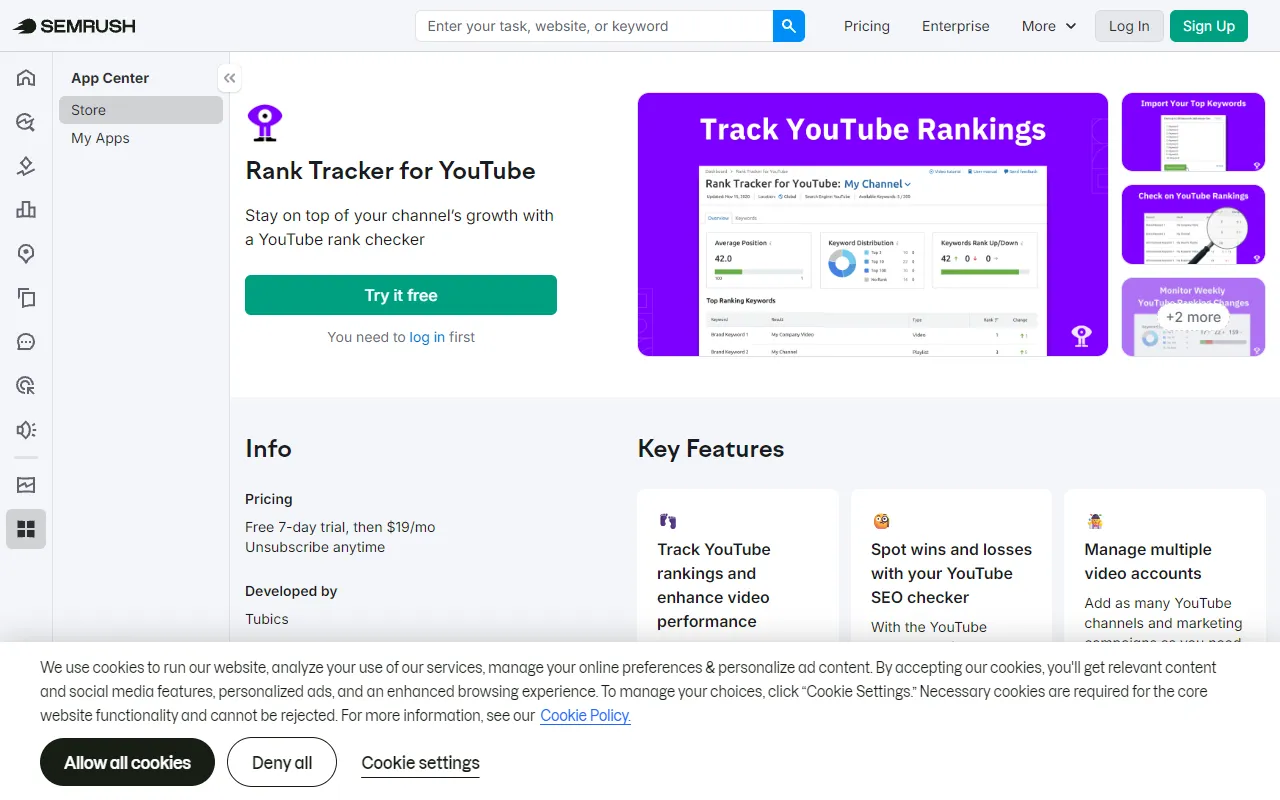
Link: semrush.com/apps/rank-tracker-for-youtube (from $139/mo, see Pricing)
Type: SEMrush App Center add-on for YouTube position tracking
How it works: SEMrush offers a dedicated YouTube Rank Tracker as an app within their App Center. It monitors video positions for your chosen keywords, tracks changes over time, and provides optimization suggestions for titles, descriptions, and tags. The interface is purpose-built for YouTube (unlike the Ahrefs approach of adding YouTube to the general rank tracker).
Key advantage: The YouTube-specific app is more tailored than Ahrefs’ approach. You get title and tag optimization suggestions alongside rank data. If you already use SEMrush for web SEO, it integrates into your existing dashboard and reporting workflow.
Key limitation: Same economic problem as Ahrefs. SEMrush starts at $139/month. The YouTube Rank Tracker app may require additional cost. If you are not already a SEMrush customer, this is an absurd price for YouTube rank tracking alone.
Pricing: Pro $139/mo, Guru $249/mo, Business $499/mo (monthly billing, as of June 2026; annual billing is lower per month, semrush.com/pricing).
Reviews: 4.6/5 on Capterra from 2,322 reviews. (Worth noting honestly: SEMrush draws recurring billing and cancellation complaints on some review sites, so read the cancellation terms before subscribing.)
Best for: Businesses already paying for SEMrush for web SEO who want a YouTube-specific rank tracker inside their existing workflow.
Verdict: Like Ahrefs, this only makes sense as an add-on to an existing SEMrush subscription. The YouTube-specific features are slightly better than Ahrefs’ approach, but neither justifies a new subscription just for YouTube.
10. Rank Tracker by SEO PowerSuite
Link: link-assistant.com/rank-tracker/youtube-rank-checker (free version, paid from $179/yr)
Type: Desktop SEO application with multi-engine rank tracking including YouTube
How it works: Rank Tracker by SEO PowerSuite is a desktop application (Windows and Mac) that tracks keyword rankings across Google, YouTube, Bing, Yahoo, and more. You install it on your computer, set up your keywords, and it checks positions on a schedule you define. Data stays on your machine, not in the cloud.
Key advantage: Unlimited keyword tracking with no per-keyword pricing. The free version allows rank checking (but not saving projects). The paid version is a one-time annual fee, not a monthly subscription, making it cheaper over time than cloud-based alternatives. Supports YouTube as a native search engine alongside Google.
Key limitation: It is a desktop app, which means no mobile access, no team sharing, and results only update when the app runs on your computer. The interface feels dated compared to cloud-based tools. Setup requires downloading and installing software. For a business owner who wants a quick check from their phone, this is the wrong tool.
Pricing: Standalone Rank Tracker: Free $0, Professional $179/yr, Enterprise $419/yr (as of June 2026; the full SEO PowerSuite bundle is $349/yr and up, link-assistant.com/pricing).
Reviews: 4.5/5 on Capterra from about 382 reviews. Note that this rating is for the SEO PowerSuite suite as a whole, not the standalone Rank Tracker tool.
Best for: Solo operators tracking rankings across both Google and YouTube who prefer a one-time annual fee over a monthly subscription.
Verdict: A cost-effective option if you track rankings across both Google and YouTube and prefer one-time payments over subscriptions. The free version is useful for occasional checks. Skip it if you want a fast, browser-based workflow or need team access.
How to Choose the Right Tool for Your Business
The right rank checker depends on two things: how many videos you have and how often you check rankings.
Decision Guide
✅ Under 50 videos, checking weekly: Use the free SellonTube Ranking Checker. Add VideoDubber if you need location-specific checks. Add TubeLab if you want basic historical tracking. Total cost: $0.
✅ 50-200 videos, optimizing actively: Use TubeRanker (Pro about $19.90/mo, approx) for automated keyword tracking. Keep SellonTube for quick competitive-context checks on individual keywords.
✅ Already paying for Ahrefs or SEMrush: Add YouTube to your existing rank tracker. Free with your current subscription.
✅ Want optimization guidance, not just rank data: Add Morningfame ($12.90/mo) alongside a free rank checker. The keyword scoring helps you decide what to target next.
❌ Skip paid tools entirely when: You have fewer than 10 videos. You are not publishing at least 2 videos per month. You are not acting on the ranking data you already have. Paying for data you do not use is the most common waste in YouTube SEO.
Here is the catch that no tool solves yet: no rank checker currently tells you which of your ranking keywords carry buyer intent. You get positions, but you interpret them yourself. For a business owner, this interpretation step is where the value actually lives.
That is why we are building buyer-intent keyword flagging into the next version of the SellonTube Ranking Checker. The goal is not more data. It is better answers.
Which Rank Checker for Your Situation: A Cheat Sheet
Skip the full comparison and match your exact need to a pick. Each row is a real scenario business owners search for, with the tool we would reach for and why.
| Your scenario | Best choice | Why |
|---|---|---|
| Best free rank checker, no signup to start | SellonTube | Free, first check needs no login, and it shows the competing videos above you |
| Best keyword position checker | SellonTube | Returns your exact spot in the top 20 plus view counts and age for context |
| Online checker with nothing to install | SellonTube, VideoDubber, or TubeLab | All three run in the browser; only SEO PowerSuite needs a desktop install |
| Video rank checker on your phone | SellonTube or VideoDubber | Browser-based and mobile-friendly; paste a video URL and check anywhere |
| Country-specific or location rank check | VideoDubber | The only free tool here with a country filter on the check |
| Free way to see if rank moved over time | TubeLab | Free account adds basic historical tracking the other free tools lack |
| Tracking dozens of keywords automatically | TubeRanker | Rank tracking is its core product, not a side feature |
| Daily automated ranking checks | TubeRanker, or Ahrefs/SEMrush if you already pay | Scheduled monitoring is a paid-tracker feature; most channels do not need daily |
| Track rankings alongside Google web SEO | Ahrefs or SEMrush | Adds YouTube to a tracker you already run, with no extra subscription |
| One-time fee, no monthly subscription | SEO PowerSuite Rank Tracker | Annual desktop license instead of a recurring cloud bill |
| Decide what keyword to target next | Morningfame, plus a free rank checker | Letter-grade keyword scoring for guidance, with positions checked elsewhere |
| Test which title ranks and earns clicks | TubeBuddy | Built-in A/B testing for titles and thumbnails no other tool here offers |
What the Free Tools Save You vs the Paid Ones
For a business channel under 50 videos, the free tools do the core job, so the question is what a paid tool actually costs you per year. Here is the math, done for you.
- Free stack vs the cheapest paid tracker. SellonTube, VideoDubber, and TubeLab cost $0/year. TubeRanker Pro at about $19.90/mo (approx) is roughly $239/year. For a sub-50-video channel checking 5-10 keywords weekly, that is about $239/year spent on automation you can do by hand in two minutes.
- Desktop license vs cloud subscription. SEO PowerSuite Rank Tracker Professional is $179/year as a one-time annual fee. The Ahrefs plan most teams use for real tracking is $129/month, which is $1,548/year. That is about $1,369/year more, or roughly 8.6x the cost, for the cloud convenience.
- YouTube-only on an enterprise SEO tool is the expensive mistake. Subscribing to SEMrush purely for YouTube rank tracking runs $139/month, or $1,668/year. The same job is $0 on a free checker. If you are not also doing web SEO, that is the full $1,668/year wasted.
- When paying is justified. Once you publish 4+ videos a week and track 50+ keywords, TubeRanker Pro at about $239/year is the cheapest tool that does it automatically, and it is far cheaper than adding Ahrefs or SEMrush just for YouTube.
The honest bottom line on cost
A free checker plus a metadata rewrite beats a $1,548/year tool nobody acts on. Spend the money on content, not on dashboards, until your keyword count actually outgrows manual checking.
Common Mistakes Business Owners Make With Rank Checkers
Tracking too many keywords. A business channel does not need to track 200 keywords. Identify your 5-10 buyer-intent keywords and track those. Ignore the rest. Our video keyword finder tool can help you narrow the list before you start tracking. A video ranking #1 for “how to edit YouTube videos” generates zero leads for your CRM company.
Checking rankings without acting on them. Rank data is only useful if it changes your behavior. If you check rankings every Monday but never update a title, rewrite a description, or produce a video for a keyword gap, you are wasting time. Every rank check should end with one action item.
Confusing rank checking with rank tracking. Checking is manual: you query a keyword and get today’s position. Tracking is automated: a tool monitors positions daily and alerts you to changes. Business channels with under 50 videos need checking, not tracking. Do not pay a monthly tracking subscription when a free checker gives you the same weekly insight.
Ignoring competitive context. A rank of #5 is not inherently good or bad. It depends on who holds positions 1-4. If the top results are from channels with 10x your subscriber count and 100x your view count, holding #5 is strong. If the top results have 500 views and were uploaded 4 years ago, #5 means you are leaving money on the table. Always look at the full results page, not just your number.
Paying for enterprise tools without enterprise needs. Ahrefs (serious tracking plans from $129/mo) and SEMrush (from $139/mo) are excellent for businesses that also manage web SEO across dozens of pages. They are a poor investment for YouTube-only rank tracking. Match the tool to your actual needs, not your aspirations.
Common Questions
Free and online options
What is the best free YouTube rank checker I can use?
For single-video checks, SellonTube and VideoDubber are both free. VideoDubber needs no login; SellonTube gives 1 free check, then a free business email. SellonTube shows the top 20 results with view counts and video age, so you see what you are competing against. For free tracking over time, TubeLab adds basic historical data.
Is there an online rank checker I can use without installing software?
Yes. SellonTube, VideoDubber, and TubeLab all run in your browser with nothing to download. SellonTube needs no signup for your first check, and VideoDubber needs none at all. The only tool on this list that requires an install is SEO PowerSuite, which is a desktop app, so skip it if you want a browser-only workflow.
What tool should I use to check my keyword position on YouTube?
For a single keyword position check, the free SellonTube Ranking Checker shows your exact spot in the top 20 plus the competing videos ranked above you, including their view counts and upload dates. VideoDubber returns the position number on its own but adds a country filter if you need to check a specific location.
Accuracy
How accurate are YouTube rank checker tools?
YouTube rankings vary by location and personalization. Rank checker tools query YouTube search results in real time, so they reflect what a typical searcher would see. Results may differ slightly from what you see in your own browser due to watch history and location.
Checking vs tracking
Do I need a YouTube rank tracker if I only have 10 videos?
You need rank checking, not rank tracking. A free tool that checks specific keywords on demand is enough for 10 videos. Automated tracking becomes worth paying for once you have 50+ videos and need to monitor dozens of keywords weekly.
Can I check rankings for multiple keywords at once?
Free single-keyword checkers handle one keyword per check, which is fine for the 5-10 buyer-intent keywords most business channels track. To monitor dozens of keywords automatically, a paid tracker like TubeRanker, or your existing Ahrefs or SEMrush subscription, handles bulk keyword lists in one dashboard.
Cross-platform tracking
Can I track my YouTube rankings in Ahrefs or SEMrush?
Yes. Ahrefs Rank Tracker lets you add YouTube as a search engine alongside Google. SEMrush has a dedicated YouTube Rank Tracker app. The plans most teams use start at $129-139/month, so they only make sense if you already use those platforms for web SEO.
How often to check
How often should I check my YouTube keyword rankings?
Weekly for your top 5 buyer-intent keywords. After any title or description change, re-check within 48 hours to measure the impact. Monthly for your full keyword list. Checking more frequently than weekly rarely changes your decisions.
Do I really need daily rank tracking?
Almost no business channel does. YouTube positions move slowly and daily checks rarely change a decision. Weekly checks on your top buyer-intent keywords, plus a 48-hour re-check after any title or description edit, cover what you need. Daily automated tracking is a paid-tool feature most channels under 50 videos can skip.
What to Do This Week
- Pick the 3 keywords that matter most to your business. Not topic keywords. Buyer-intent keywords.
- Check each one in the YouTube Ranking Checker. Note your position and who holds the top 3.
- If you rank in the top 10 for any keyword, open that video and check whether the title includes the exact keyword in the first 5 words.
- If you rank #11-20, compare your title and description to the #1 result. Match its structure, then add something it does not cover.
- If you do not rank at all, check whether you have a video targeting that keyword. If not, that is your next video to produce.
- Set a calendar reminder to re-check every Monday morning. The tool is free. The data takes 15 seconds. The question is whether you act on it.

Check where your videos rank
Enter a keyword and your channel. See your exact position in YouTube search results, plus the top 10 competing videos with view counts and age. Your first check is free.
Could YouTube work for your business?
We build done-for-you YouTube channels that turn search intent into qualified leads. Check if the math works for you.